EDI Payment Explained: Meaning, Types, and Implementation
Learn what EDI payments are, how they work, and why they beat manual invoicing and matching.
What is an EDI payment?
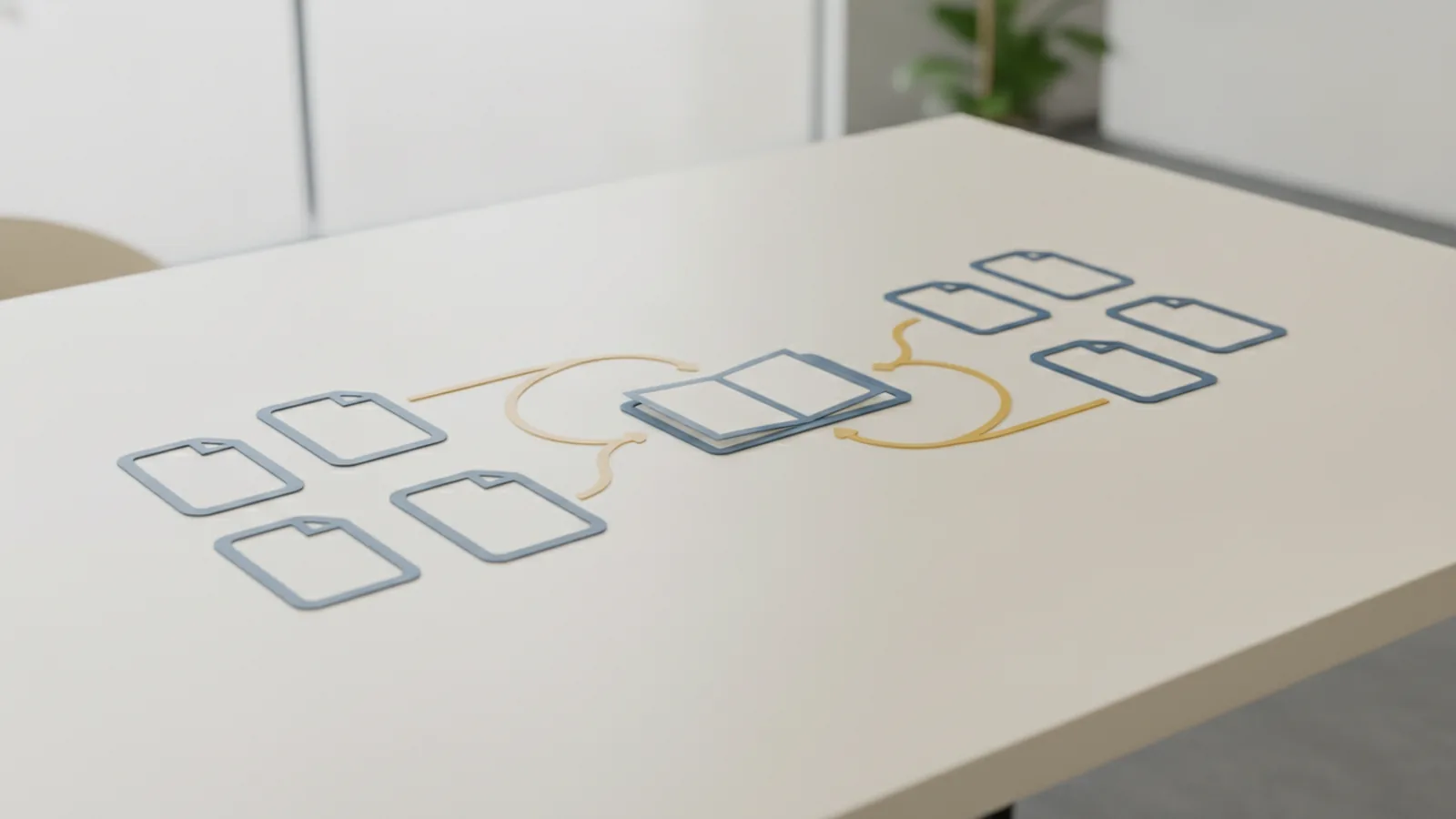
An EDI payment is the exchange of payment data using Electronic Data Interchange (EDI). People often say “EDI payment” but mean the documents around payment. These documents help each side know what was billed and what will be paid. So, it is really electronic data interchange payments in a set format.
Here is the simplest edi payment meaning you can use. EDI moves structured business data, not the money itself. The money transfer may still run through ACH, EFT, or a card flow. EDI just makes the data easy to send and easy to read.
This is why EDI is common in B2B payments. Your invoicing system can send invoice facts in a standard shape. The supplier can then match that info to their records. It reduces copy-paste work during invoice management.
- EDI stands for Electronic Data Interchange.
- EDI payments move payment-related documents and data.
- Common documents include invoices and remittance info.
How EDI payments work in real transactions
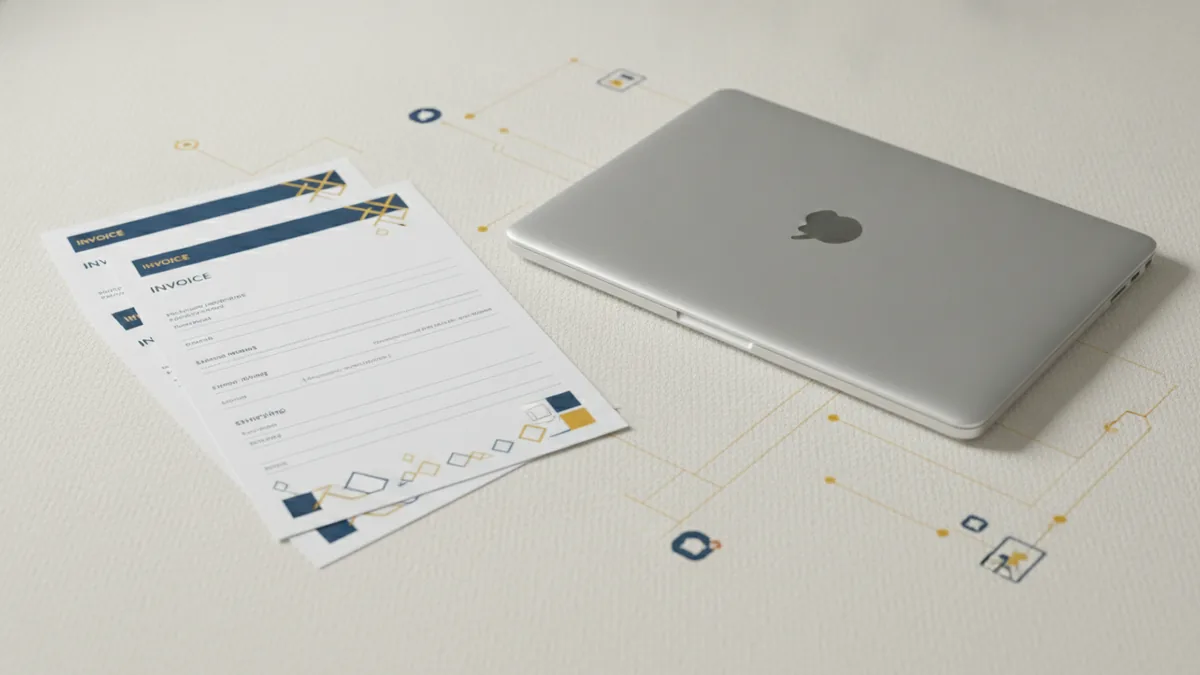
EDI starts with a shared standard between two trading partners. Your system sends an EDI message with fields like totals and dates. The other side receives the message and maps fields into their own system. Then they can process it without manual typing.
The flow often links invoicing and remittance. Your team sends an invoice via EDI. Later, you send a payment order or status update. After funds settle, you send remittance information. Quick note: matching becomes much easier.
To see it in motion, think about supplier payment timing. First, you buy goods and send a purchase order. Next, the supplier sends an invoice. Finally, you pay and send remittance data so they apply the money to the right invoice.
- Send an invoice message, often EDI 810.
- Send a payment order message, often EDI 820.
- Send remittance advice, often EDI 835.
- Auto-match payment to invoice in finance.
Difference between EDI, ACH, and EFT
To answer what is an edi payment, focus on role. EDI is the data exchange method for business messages. ACH and EFT are money transfer methods between banks. So EDI helps both sides understand the payment.
ACH (automated clearing house) is a U.S. bank network for moving funds. EFT (electronic funds transfer) is a broad term for moving money electronically. ACH is one common type of EFT. People mix these words in everyday talk.
With EDI, the money still moves through a rail you choose. You may use ACH to pay a vendor. You may still send EDI messages to share invoice and remittance data. This split is what makes EDI useful for B2B payment automation.
| Term | What it is | Primary job |
|---|---|---|
| EDI | Electronic Data Interchange | Send structured invoice and payment data |
| ACH | Automated clearing house | Move money through a U.S. bank network |
| EFT | Electronic funds transfer | Move money electronically |

Common EDI payment messages and methods
When teams ask about edi payment types, they usually mean message kinds. These message kinds match the invoice to the payment. That keeps both sides aligned. It also helps invoice management stay clean.
Here are common U.S. message types you will see. Each one plays a role in the payment timeline. Together they cover the “what” and “how” of pay and apply.
- EDI 810: invoice document.
- EDI 820: payment order.
- EDI 835: remittance advice.
You may also see other EDI docs in the cycle. For example, a purchase order helps tie the invoice to an order. If the invoice does not match the order, matching can fail. Then the supplier must ask for fixes.
Two main ways to connect
EDI payment meaning also includes how messages move between sides. The main connection types are Web EDI and direct EDI. Web EDI is often a portal or service. Direct EDI sends messages straight between systems.
- Web EDI: good for low volume and quick setup.
- Direct EDI: best for high volume and tight flow.
Direct EDI usually cuts steps. Fewer steps means fewer data gaps. That can boost straight-through processing. Straight-through means fewer human touches.
Benefits of using EDI payments for business deals
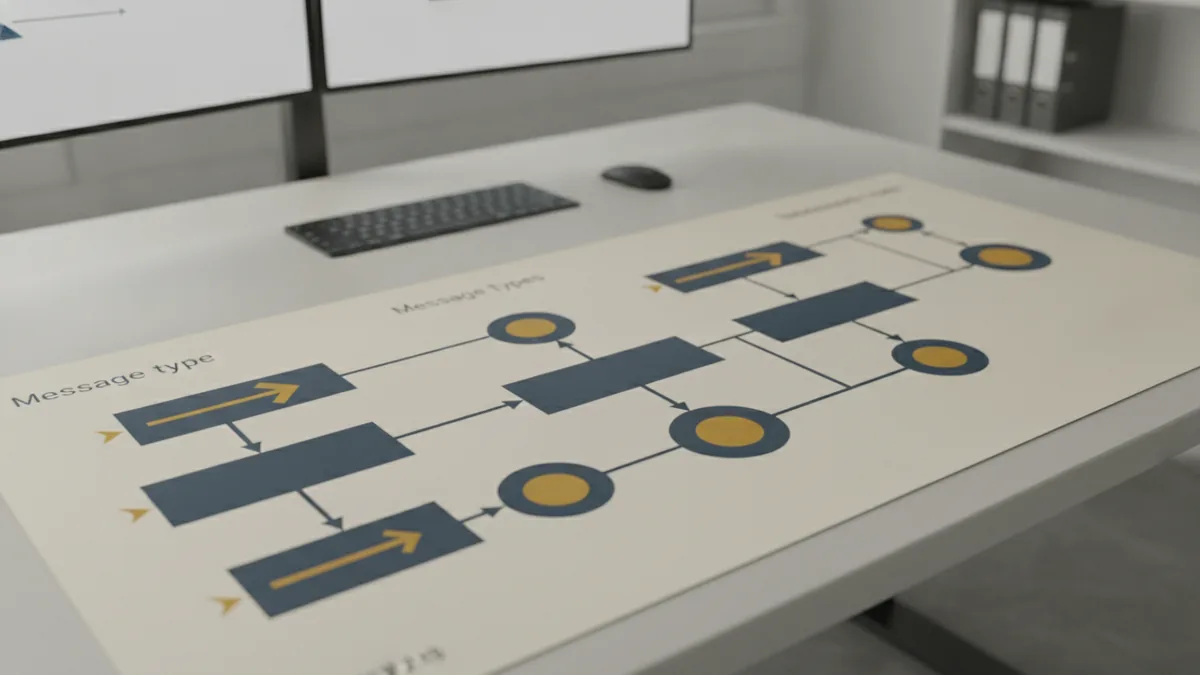
EDI payments are faster than manual work. Messages arrive in a set structure, so systems can load them quickly. That cuts delays from slow email threads. It also cuts delays from retyping data.
EDI also reduces human error. One wrong number in a spreadsheet can break remittance info. Then a supplier cannot apply your payment. EDI fields help catch missing or odd values early. This is a big gain for data security and finance speed.
EDI can also help supplier ties. When you send clear invoice data, fewer disputes follow. Suppliers spend less time chasing issues. That can make supply chain management run smoother.
- Faster invoice and pay cycles through clear message flow.
- Lower ops cost by cutting manual handling.
- Better matching using remittance information.
- More steady B2B payment data between systems.
Over time, you get better reporting too. You can see which messages pass and which fail. Then you fix rules before the next billing round. That supports steady invoice management month after month.
Potential challenges with EDI payments
EDI needs setup work before it helps. Partners may use different field rules or mapping needs. Even if both sides “use EDI,” their formats can differ. That means your team must map your data to theirs.
You also need strong rules for data security. Payment data can include bank details and invoice lines. If access is weak, risk rises. Use safe logins, limit access, and use safe links for send and receive. Then your risk level stays lower.
Testing can take time. You usually run a test phase with test cases agreed by both sides. This finds issues like swapped totals or wrong code values. It also checks remittance info matches what the supplier expects.
- List the EDI docs for your pay cycle.
- Confirm partner mapping and field rules.
- Run test sends and check results.
- Plan what happens when messages fail.
- Track issues and fix them fast.
How to implement EDI payments
Start by treating EDI as part of your payment workflow. Do not treat it as a one-time file export. Begin with a short list of message types you need. Most teams start with EDI 810, 820, and 835. Then add other docs if a partner asks.
Next, pick your connection path. Use Web EDI when volume is small or the start is slow. Use direct EDI when you need high speed and tight auto flow. Many U.S. setups also follow common industry message needs. That can help onboarding because both sides expect similar data.
Then map your ERP fields to each EDI field. Define how you set invoice numbers and dates. Define how taxes and totals are shown. Also define which reference IDs you send so matching works. Add a check step before sending messages.
Finally, test end to end with real partner data samples. Send test invoice and test payment order data. Then confirm the remittance advice lets the supplier apply funds. After go-live, watch success rates and error reasons. Tune your mapping with each billing cycle.
- Choose EDI message types for invoice, pay, and remittance.
- Pick Web EDI or direct EDI based on volume needs.
- Map your system fields to each partner’s EDI fields.
- Test full message flow with agreed test cases.
- Monitor, then improve mappings after the first run.
When you implement EDI this way, teams do less manual work. Suppliers get cleaner info too. That improves business transaction automation across many B2B payments.
Step-by-step
- 01 Choose EDI documents for the payment flow
Start with the invoice, payment order, and remittance messages. Many teams begin with EDI 810, 820, and 835.
- 02 Pick a connection approach
Use Web EDI for simpler setup when volumes are low. Use direct EDI when you need faster, full automation.
- 03 Map your data to EDI fields
Map your totals, dates, and reference IDs to each partner’s needs. Use checks to catch odd values before sending.
- 04 Test the full message path
Send test invoices and test payment orders. Confirm remittance advice matches what the supplier expects.
- 05 Go live and monitor outcomes
Track passes and failures for each message type. Tune mapping rules after the first billing run.
Frequently asked questions
- What is edi payment meaning in simple terms?
- It is the electronic exchange of payment-related business documents using Electronic Data Interchange. The money move can still happen via ACH or EFT.
- Is an EDI payment the same as ACH?
- No. ACH is a funds transfer network. EDI is how invoice and remittance data moves in a set format.
- What does EDI stand for in electronic data interchange payments?
- EDI stands for Electronic Data Interchange. It standardizes how businesses send structured business data.
- What are the main EDI payment message types?
- EDI 810 is commonly used for invoices. EDI 820 is often used for payment orders. EDI 835 is commonly used for remittance advice.
- What is the difference between Web EDI and direct EDI?
- Web EDI is often a portal-style setup for smaller volumes. Direct EDI sends messages straight between partner systems for higher automation.
- What challenges should I expect when implementing EDI?
- Expect data mapping work, partner testing, and security checks. A good test plan and monitoring after go-live help you avoid delays.
Related reading
What Is Mastercard and How Does Its Payment Network Work?
Mastercard links banks, merchants, and shoppers through a global payment network.

What Is a Merchant, and Where Do They Fit in Payments?
A clear guide to merchants, trade, online sales, and payment IDs.
Payment Details Meaning: What They Are, Why They Matter, and Examples
Payment details meaning explained with clear examples and ACH guidance.