MPGS Meaning Explained: Mastercard Payment Gateway Services
MPGS is Mastercard’s payment gateway for secure, global online payments and fraud protection.
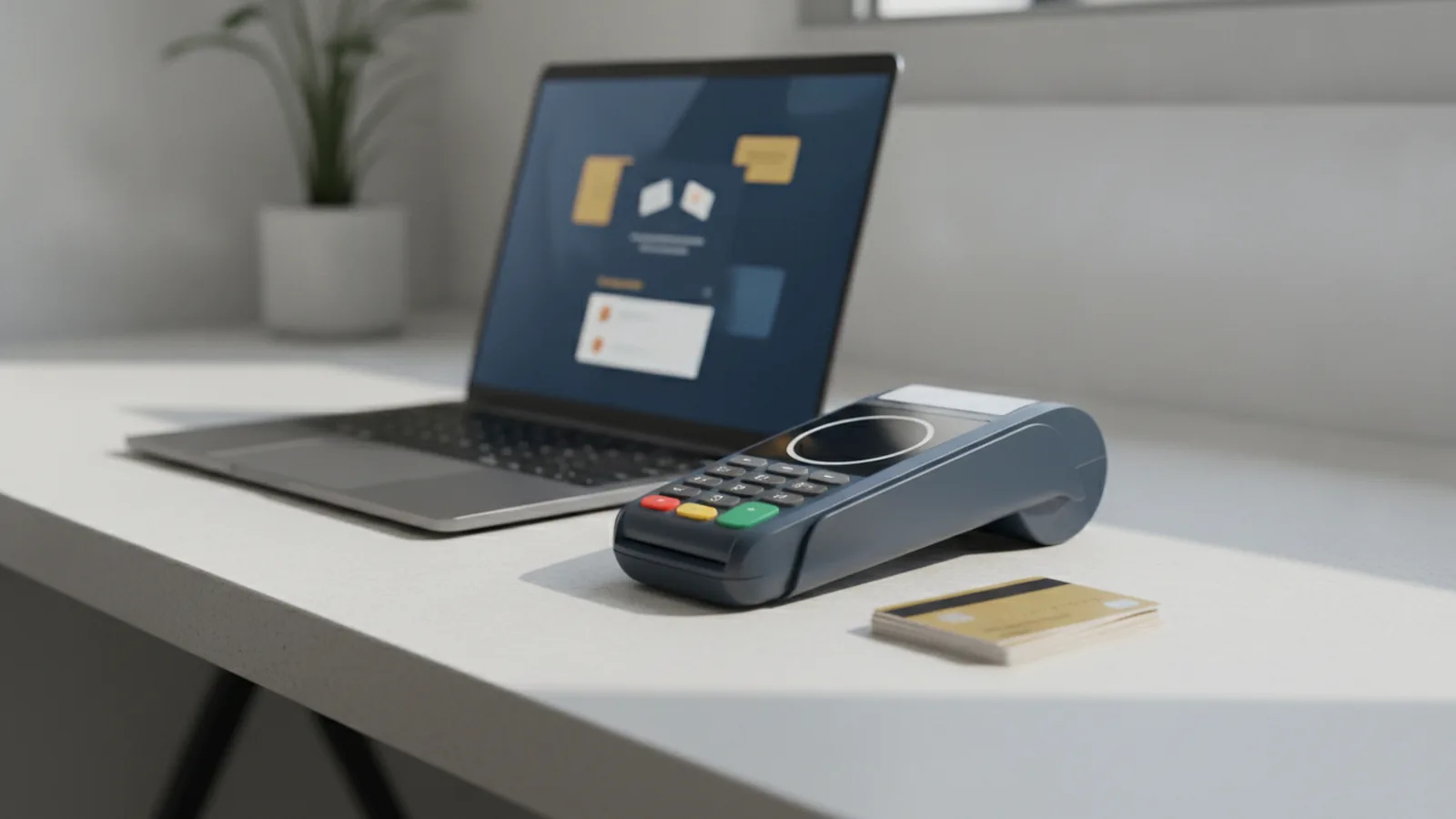
Overview of MPGS
MPGS means Mastercard Payment Gateway Services. It helps businesses run secure online payment processing.
If you ask, mpgs meaning, you want this idea. MPGS links your checkout to the Mastercard payment path.
So what is MPGS? It is a gateway layer for card buys and other online payment steps.
MPGS full form is Mastercard Payment Gateway Services. You will often see it described as mpgs online because it powers web checkout flows.
MPGS payment support can cover credit and debit cards. It can also cover digital wallets where your setup allows it.
That is the core of what is mpgs payment. Customers pay, MPGS handles the secure steps, then your site gets the result.

Key features of MPGS
MPGS does more than pass data. It helps protect payments and gives you clear payment results.
Key features often include tokenization. Tokenization swaps real card data for a safer token.
MPGS also uses fraud tools. It applies AI fraud prevention to spot odd payment signals.
You can add real-time analytics to track what is happening now. You see approval trends and checkout issues quickly.
Good payment tools help you act fast. That means fewer lost sales and less time on fixes.
- Tokenization to limit direct card data exposure
- AI fraud prevention using risk signals
- Real-time analytics for live payment checks
- Multi-channel payment acceptance for cards and wallets

Integration and compatibility
You add MPGS to your app or website with web tools. Most teams use APIs and SDKs.
This part answers mpgs documentation questions in real life. You must send a payment request and then read the payment reply.
An API integration means your server calls MPGS endpoints. An SDK can wrap those calls in your app code.
After you start a payment, you still need result updates. Your system must handle callbacks or webhooks.
Then your order status stays in sync with payment truth. That reduces bugs and reduces support tickets.
- Confirm your markets and payment methods for your account.
- Pick the right MPGS setup for test or live use.
- Use the API or SDK to start a payment from checkout.
- Handle callback or webhook events to update your order.
- Store a clean link between your order ID and the payment.
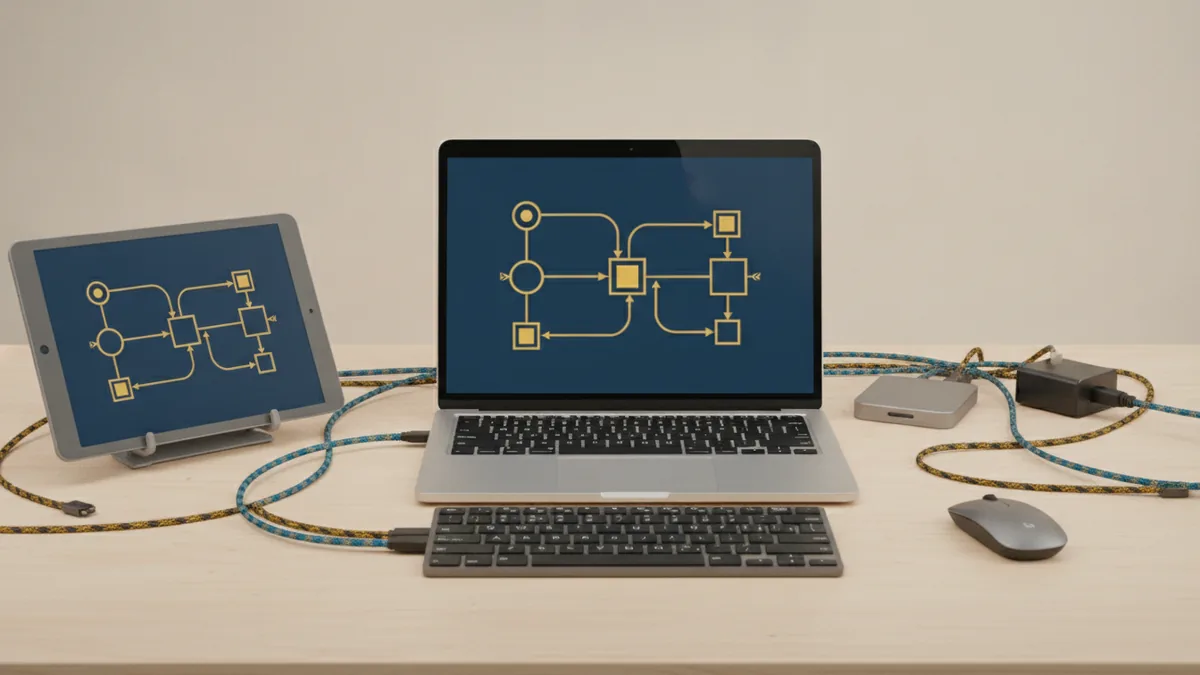
Security Measures
MPGS is built for safe payment flows. It aims to reduce card data risk and stop fraud.
One big topic is PCI compliance. PCI is a card data rule set used in payment security programs.
Tokenization often helps you keep sensitive data out of your core systems. That is why token use is a big deal.
MPGS also supports EMV 3-D Secure. EMV 3DS adds cardholder checks during online card buys.
This can cut fraud and help meet strong user check needs. It is a key part of safer online card payment processing.
Security also needs good handling. Do not trust only a front-end success page.
| Security item | What it helps |
|---|---|
| Tokenization | Replaces card data with a safer token value |
| EMV 3DS | Checks cardholder identity for online card buys |
| PCI-aligned flow | Helps you meet card data security expectations |
| Fraud detection | Flags risky traffic with risk checks |

Benefits of Using MPGS
Merchants pick MPGS for real business gains. They want more approvals and less loss.
First, MPGS supports global scale. You can manage global payment solutions patterns across many markets.
Second, it can improve the customer experience. Faster flows can help repeat buyers finish sooner.
Risk checks can also reduce bad declines. That can lift your approval rate over time.
Third, it can help with cost. Fewer fraud hits can lower chargeback and review work.
So the value is not just tech. It shows up in sales and ops.
- Global scale for multi-market checkout
- Better auth quality from fraud checks
- Smoother returns with token reuse
- Lower fraud cost from fewer bad buys
Use Cases
MPGS fits when you need secure online card buys. It also fits when you want fraud tools and clear reporting.
E-commerce stores use MPGS for checkout. They track live issues and fix them faster.
Mobile payments also fit well. Your app can send a start request, while your server handles the secure steps.
Subscription services benefit from tokenization. You can charge again without re-entering card data each time.
High-volume shops often need strong reporting too. You can watch trends and react quickly.
- E-commerce for card buys and wallet options
- Mobile app payments with clean server callback flow
- Subscription billing with token-based repeat charges
- Marketplaces that need clear payment status updates
- Higher-risk use where fraud detection matters
How to Get Started with MPGS
Start by reading the right MPGS material. The goal is to follow the right steps for your build.
Begin with your payment path. Pick which mpgs payment methods you want to launch first.
Then review the mpgs documentation. It should show your request fields and how payment results return.
Next, test end to end in a safe sandbox. Check success, decline, and slow result cases.
Also test your fraud steps. Risk checks can change the payment flow outcome.
When you go live, roll out in stages if you can. Watch approval rates and error logs each day.
Some people search mpgs vs cybersource. These are both gateway choices. Your best fit depends on region support and fit with your stack.
You may also see searches like “myfatora mpgs”. If that is a project label, confirm it with your account team. It is not a standard MPGS feature name.
For high-level EMV 3DS context, see EMVCo 3-D Secure overview.
- Define markets, cards, and wallet options for launch.
- Read the MPGS docs for your API or SDK path.
- Build payment start calls from your checkout.
- Wire callback or webhook events to update orders.
- Run test cases for success, decline, and risk checks.
- Launch with monitoring and fix issues fast.
Step-by-step
- 01 Define payment methods and markets
List the card types and wallet options you want to offer. Confirm what your setup supports in each market.
- 02 Review MPGS documentation for your integration path
Find the docs for your API or SDK approach. Focus on request steps and the callback flow you must handle.
- 03 Build payment initiation in your checkout
Connect your checkout to MPGS to start a payment request. Send order context so results map back to the right purchase.
- 04 Implement webhooks or callbacks for payment outcomes
Handle async updates and keep your order state consistent. Treat final status from MPGS as the truth source.
- 05 Run end-to-end testing with success and failure cases
Test approvals, declines, and timeouts. Verify risk outcomes and confirm your user messages work.
- 06 Launch and monitor approval rates
Go live with a controlled rollout if you can. Track approval rates, errors, and payment timing during the first days.
Frequently asked questions
- What is MPGS and what is its full form?
- MPGS stands for Mastercard Payment Gateway Services. It helps businesses run secure electronic payments for online checkouts.
- What are MPGS payment flows used for?
- MPGS payment flows start payment checks and return results. Your system uses those results to confirm orders and trigger next steps.
- What features does MPGS include for fraud prevention?
- MPGS commonly uses tokenization and AI fraud checks. It also offers real-time analytics so you can spot issues fast.
- How does MPGS integration work with existing systems?
- Most teams integrate via APIs or SDKs. Then they handle callbacks or webhooks to keep order status accurate.
- Does MPGS support EMV 3D Secure?
- MPGS can support EMV 3DS for online card buys. It adds extra cardholder checks that can reduce fraud.
- How does MPGS compare with Cybersource?
- MPGS and Cybersource are both payment gateway services. The best fit depends on region support and how well integration matches your stack.
Related reading
What Is Mastercard and How Does Its Payment Network Work?
Mastercard links banks, merchants, and shoppers through a global payment network.

What Is a Merchant, and Where Do They Fit in Payments?
A clear guide to merchants, trade, online sales, and payment IDs.
Payment Details Meaning: What They Are, Why They Matter, and Examples
Payment details meaning explained with clear examples and ACH guidance.