How to Take Online Payments: Methods, Process, Best Practices
Learn how to take online payments with the right methods, processor, and security.
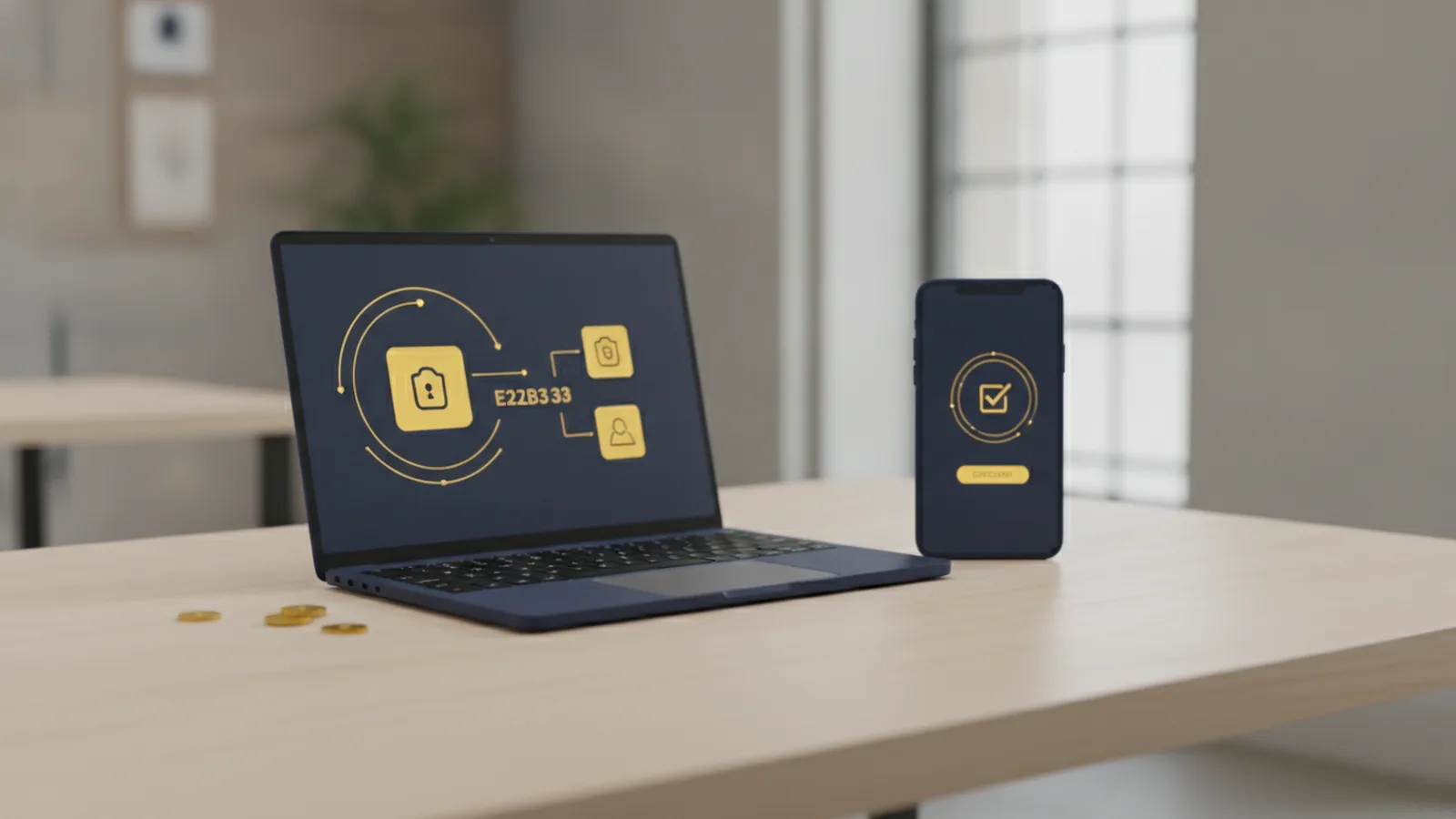
Online payments, explained simply
If you want to take online payments, start by picking the right mix of payment methods, then connect a payment gateway to handle transactions securely. Online payments have surged, and retail e-commerce sales are projected to reach $3.6 trillion by 2025. That growth matters because customers expect fast checkout and familiar payment options.
In practice, taking online payments means you collect payment details at checkout, send the details to a payment service provider, and get an approval or decline response. You then complete the order inside your store or app. This is often called payment processing, and it involves a merchant account plus the tools that move transactions safely.
Before you build, clarify your goal. Are you selling one product, handling bookings, or accepting donations? The process stays similar, but fee structures, payment method mix, and reporting needs can change.
- Online payments definition: payments made over the internet for goods or services.
- Core outcome: an approved transaction that triggers fulfillment.
- Typical stack: checkout page, payment gateway, payment processor, and merchant account.
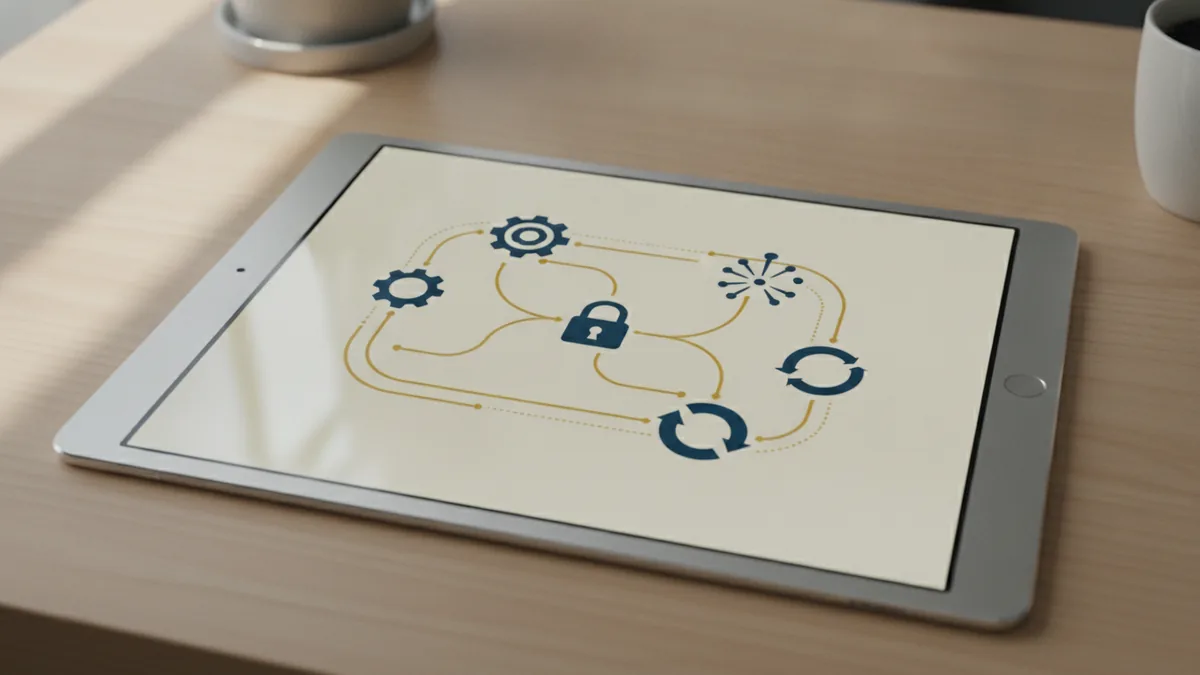
Common payment methods you can offer
To collect online payments effectively, offer more than one method. Many shoppers decide at checkout based on what feels easiest. A single payment option can lead to avoidable declines and higher cart abandonment.
Here are the main online payment methods most e-commerce teams consider. Each has tradeoffs around speed, cost, and which customers prefer it.
- Credit and debit cards: widely used for online and mobile payments.
- Digital wallets: examples include Apple Pay and Google Pay, which simplify checkout.
- Bank transfers: common for larger payments and some regional preferences.
- Buy now, pay later (BNPL): installment plans that can increase approval rates.
If you sell internationally, add methods based on local consumer payment behavior. For example, mobile payments may dominate in some regions. Also, confirm whether BNPL is available for your markets and product type.
A practical tip is to map methods to your buyer journey. If customers browse on mobile, wallets and cards often reduce friction. If your ticket size is higher, consider transfers or BNPL to lower the perceived cost.

How online payment processing works
Understanding how does online payments work makes implementation calmer. Payment flow is mostly the same across processors, even if the APIs differ. Your checkout sends payment data to a payment gateway, which verifies and forwards it through the network.
A typical flow looks like this: the customer submits an order, the payment gateway tokenizes or encrypts payment details, and the payment processor requests authorization from the card network or bank. If approval comes back, your system records a successful payment and marks the order for fulfillment.
When you design this flow, you should handle three realities. Declines happen. Webhooks can arrive out of order. And customers may return after closing a tab.
- Customer initiates checkout: they select a payment method and confirm the purchase.
- Gateway secures details: payment data is sent using tokenization and encryption.
- Processor routes authorization: the processor communicates with networks or banks.
- Result returns to your app: you receive an approval or decline event.
- Fulfillment follows approval: you capture payment and confirm the order.
Notice the order of events matters. You should not ship goods just because the customer clicked “Pay.” Instead, wait for the confirmed payment event from your gateway.

How to choose a payment processor (and compare fairly)
Choosing the right payment processor is crucial for taking online payments that feel reliable. Compare fees, but also compare features and support services. The cheapest rate can still cost more if your system has more retries or higher failure rates.
Start with your pricing model. Many processors charge a percentage fee plus a fixed fee per transaction. Some also add fees for chargebacks, refunds, or certain payment methods like BNPL or bank transfers.
Next, evaluate the features you need now and later. A payment gateway that supports tokenization, fraud tools, and webhooks usually saves engineering time. If you operate an e-commerce site, look for hosted checkout or embeddable payment forms. If you run a mobile app, look for SDKs that match your stack.
Here is a comparison table you can use during vendor calls. It keeps discussions grounded in what you will actually implement.
| What to compare | Why it matters |
|---|---|
| Transaction fees | Direct cost per sale, often includes card and network fees |
| Payment methods supported | Helps you match consumer payment behavior and reduce declines |
| Fraud prevention tools | Reduces chargebacks and suspicious transaction loss |
| Gateway and integration options | Hosted checkout vs API vs SDK changes your build effort |
| Reporting and reconciliation | Helps you match settlements to orders and manage refunds |
| Support and uptime | Impacts incident response during checkout failures |
Finally, confirm the full path to receiving online payments. Ask whether you need a merchant account, or if the provider bundles it. Also ask how quickly disputes and chargebacks get handled in your region.
Security, compliance, and fraud prevention
Security and compliance are not optional for transaction security. Customers share sensitive data, and you must protect it. The main expectation is PCI compliance, which governs how card data is handled.
In most modern setups, you avoid storing raw card data by using a payment gateway with tokenization. Your checkout collects details in a secure way, then the gateway sends tokens rather than card numbers to your system. This reduces your exposure and helps meet PCI requirements.
Encryption is part of this story. Use TLS for all traffic between the customer, your servers, and the gateway. Also, follow secure coding practices around webhook endpoints, so attackers cannot spoof payment confirmations.
- Encryption: protect data in transit with TLS.
- PCI compliance: meet card data handling rules via gateway tokenization.
- Webhook verification: validate signatures and idempotency.
- Fraud prevention: use risk checks to stop bad payments early.
You should also prepare for operations. Set up alerts for unusual spikes in declines and chargebacks. Keep refund workflows clear, since messy refunds can trigger more disputes.
Security is not just tooling. It is also how you respond. For example, if you see repeated failures from one device fingerprint, you may need step-up checks or stricter rules for that segment.
Benefits of accepting online payments
When you accept online payments, you reduce friction for customers and increase sales opportunities. Customers can pay when they want, not only during business hours. This matters most for mobile and repeat buyers.
Online payments also streamline your internal work. You can automate order status changes when payment events arrive. That reduces manual reconciliation and speeds up fulfillment.
Another benefit is broader reach. If your checkout supports multiple regions and currencies, you can sell beyond your local market. That can also improve conversion, since shoppers prefer payment methods they already trust.
- Faster checkout: fewer steps and shorter time to payment.
- Better reporting: clearer payment timelines for finance teams.
- More sales paths: cards, wallets, transfers, and BNPL.
- Lower manual work: fewer spreadsheet-driven reconciliations.
To make this real, test how quickly customers move from “Add to cart” to payment approval. A smooth flow typically shows up in higher conversion rates.
Tips to increase online payment transactions
If you want to increase online payment transactions, focus on reducing checkout friction and improving approval rates. Small improvements compound. A one-second faster checkout can help, but payment method choice and failure handling often matter more.
First, offer a variety of payment options. A modern feature of online payments is that customers can switch methods if one fails. That flexibility can keep them from leaving your site.
Second, monitor transaction performance. Track approval rate by payment method, by country, and by device type. Look for patterns in declines and timeouts. Then adjust your configuration or retry logic based on what you learn.
- Support cards and digital wallets: prioritize the methods your customers already use.
- Add BNPL where it fits: use it for customers who prefer installments.
- Improve error handling: show clear next steps on declines.
- Use idempotent payment events: prevent double fulfillment on webhook retries.
- Review fraud signals: tune rules to reduce false declines.
Third, optimize your integration. If you use a payment gateway, ensure it loads quickly and supports tokenization and webhooks. A slow gateway integration creates drop-off right where you need users to complete payment.
Lastly, run small tests. Try reordering payment methods in checkout. Test hosted checkout vs embedded forms if you have options. Measure results using your transaction logs, not guesses.
Done well, these actions help receiving online payments become a stable growth channel, not a recurring engineering fire drill.
Frequently asked questions
- What is the online payments definition?
- Online payments are purchases paid over the internet for goods or services. They usually involve a payment gateway and payment processor to get approval.
- How do online payments work in practice?
- A customer submits checkout details, the gateway secures them, and the processor requests authorization. Your system then completes the order after approval via payment events.
- How do I collect online payments for my e-commerce site?
- Add a checkout flow, connect a payment gateway, and enable webhook handling for payment results. Then use your store to capture and fulfill only after confirmed payments.
- What payment methods should I offer to increase approvals?
- Start with cards and digital wallets, since they cover most shoppers. Add bank transfers or buy now, pay later if they match your market and ticket size.
- What security measures are required for taking online payments?
- Use TLS encryption and a PCI-aligned setup using tokenization via your payment gateway. Also verify webhook requests and apply fraud prevention tools.
- How can I increase online payment transactions over time?
- Monitor approval rates by method, country, and device. Fix integration issues, tune fraud rules, and test payment method order at checkout.
Related reading
Why Do Payments Fail? Causes and Recovery
Find the cause of failed payments and recover more sales without harming trust.

How Do Credit Cards Work?
Understand credit cards, compare them with debit cards, and manage payments wisely.
How Is a Credit Card Different From a Debit Card?
See how each card works, what it costs, and when to use it.