The Payment Life Cycle: From Card Tap to Settlement
See how a card payment moves from approval to settlement.
What the Payment Life Cycle Means
The payment life cycle is the path a payment follows from start to finish. It begins when a customer starts a card payment. It ends when funds reach the merchant and the payment is complete.
The credit card transaction process has several linked stages. These include verification, authorization, capture, settlement, and reversal. Each stage has its own risks, records, and possible failure points.
Knowing this flow helps merchants find failed payments faster. It also helps teams reduce fraud, answer customer questions, and track funds. Small delays can affect cash flow and card transaction performance.
- Verification checks the payment details and risk signals
- Authorization asks whether the issuer will approve the payment
- Capture confirms that approved funds should be collected
- Settlement moves funds to the merchant account
- Reversal or chargeback handling corrects disputed payments
Who Takes Part in a Card Payment
A card payment involves more than the customer and the merchant. Several firms pass data and funds between them. Each party handles a distinct part of the credit card transaction flow.
The customer starts the payment with a card or a stored card token. The merchant sells the goods or service. The issuing bank gave the card to the customer and decides whether to approve the payment.
The acquiring bank supports the merchant account. The payment network carries messages between banks. A payment processor connects the merchant, acquirer, network, and issuer through payment tools.
| Participant | Main role |
|---|---|
| Customer | Starts the payment and confirms the purchase |
| Merchant | Provides the goods or service and requests payment |
| Issuing bank | Checks the card and approves or declines the request |
| Acquiring bank | Receives merchant funds and sends payment requests onward |
| Payment network | Routes payment messages between banks |
| Payment processor | Moves payment data across the connected parties |
How the Main Payment Stages Fit Together
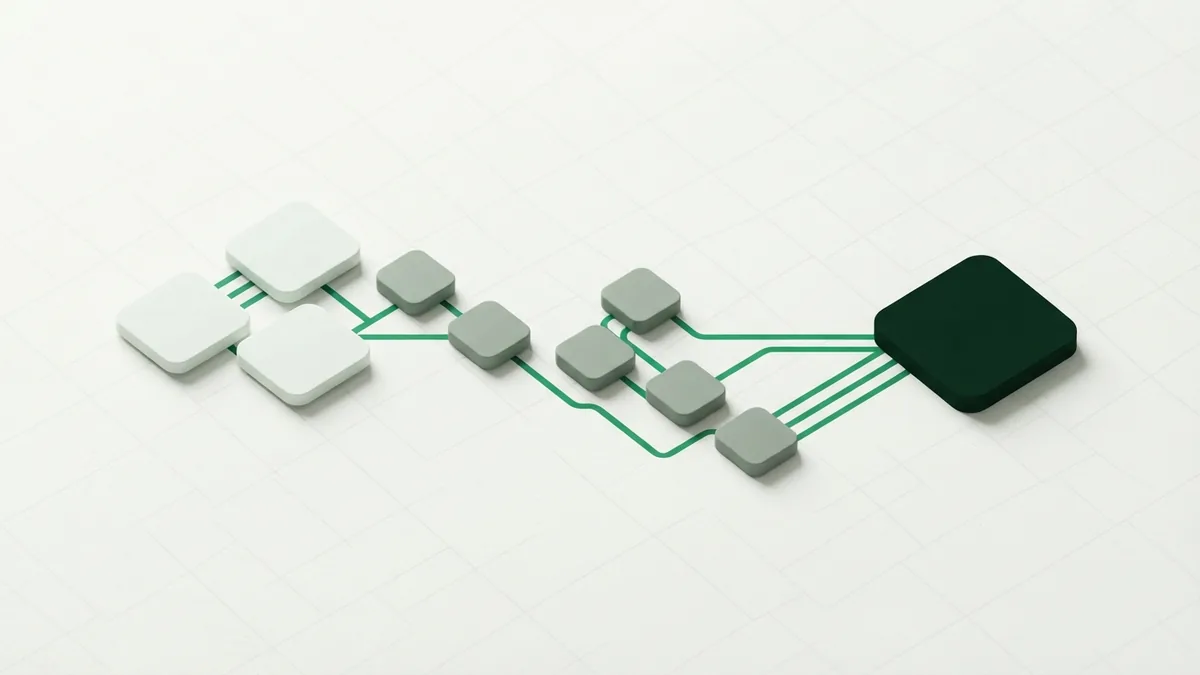
The payment processing stages follow a set order in most card sales. The exact path can vary by channel, country, and payment method. Online payments also face checks that may not apply to a card-present sale.
- The customer enters card details or presents a card.
- The merchant sends a payment request to its processor.
- The processor routes the request through the card network.
- The issuer checks the card, account, and risk signals.
- The issuer sends an approval or decline response.
- The merchant captures the approved payment.
- The banks settle the payment during a later funding run.
A payment can stop at any stage. A bad card number may fail during verification. A blocked card may fail during authorization. A refund or dispute may change the result after settlement.
Payment Verification and Authorization
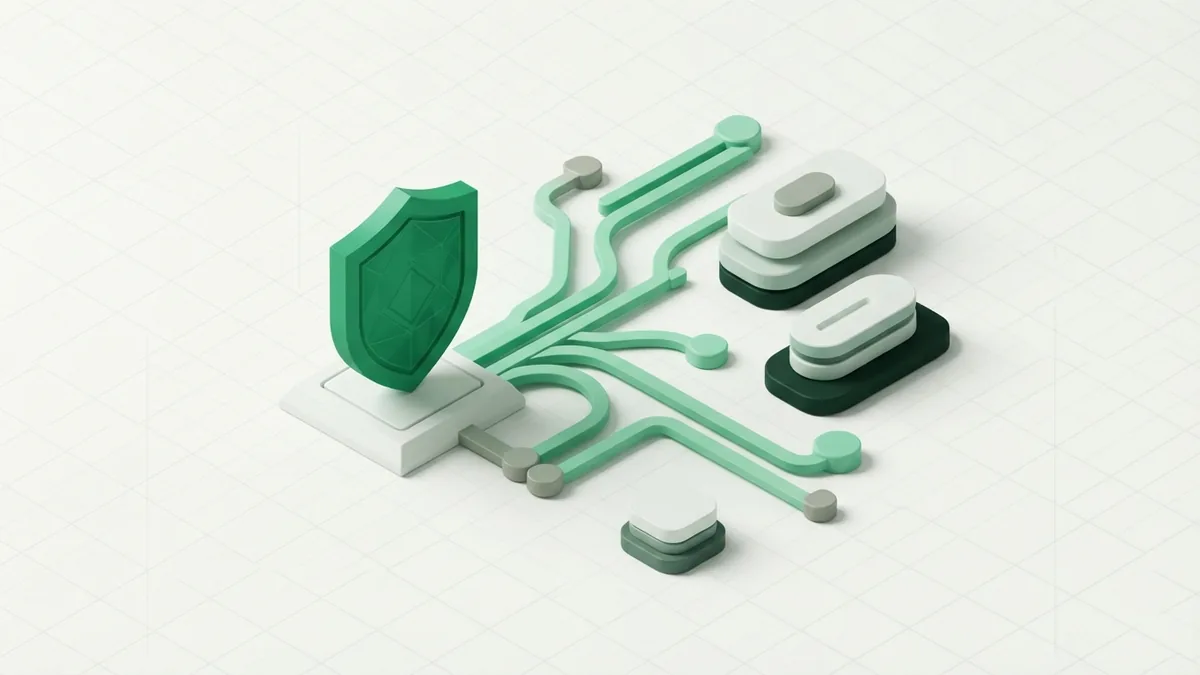
Payment verification checks whether the payment request looks valid. The processor may check the card number, expiry date, security code, and billing data. The merchant may also check stock, order value, and customer details.
Risk tools look for signs of payment fraud. These signs can include many orders from one device or a new delivery address. A strong check may ask for an extra sign-in step. A weak check may let a risky payment pass.
Authorization is the issuer's decision on the payment request. An approval places a hold on the customer's available credit. It does not send money to the merchant yet.
For example, a customer buys goods for $80. The issuer approves the request and reserves $80. The merchant then has a set time to capture that approved amount.
- Approved: The issuer accepts the request and reserves funds
- Declined: The issuer will not approve the request
- Review: A risk tool needs more checks before a decision
- Expired: The merchant missed the allowed capture period
Capture and Settlement: When Funds Move

Capture tells the payment system to collect an approved amount. Some merchants capture at once. Others wait until they ship an order or finish a service.
A hotel may authorize a room charge before arrival. It may capture the final amount after checkout. A shop may capture only after stock leaves its warehouse.
Settlement is the stage where funds move through the banking system. The acquirer receives funds from the network. It then pays the merchant under the account terms.
Settlement may happen in batches rather than after each sale. The merchant may see a payout one or more business days later. Fees, refunds, and other adjustments can change the final amount.
Each payment should have a clear record. A credit card transaction ID helps teams match the sale with an order. The credit card transaction number may appear in processor logs, bank reports, or customer support tools.
Reversals, Refunds, and Chargebacks
A reversal cancels an approved payment before settlement. It releases the hold on the customer's available credit. Merchants often use reversals when an order fails or stock runs out.
A refund happens after the merchant has captured the payment. The merchant sends money back to the customer. The refund may take several days to appear on the card statement.
A chargeback starts when the customer asks the issuer to challenge a payment. The issuer may remove funds from the merchant while it reviews the case. The merchant can submit proof, such as delivery records or customer approval.
Good records improve the merchant's response. Keep the order record, delivery proof, refund details, and customer messages. Match each item to the right payment ID and date.
- Check whether the payment was reversed, refunded, or disputed
- Confirm the payment amount and order details
- Gather delivery, sign-in, and customer approval records
- Send a clear response before the dispute deadline
- Track the final decision and update the order record
Why This Flow Matters to Merchants
A clear view of the credit card transaction life cycle helps teams fix issues at the right stage. It prevents staff from treating every failure as a bank decline. It also makes payment reports easier to read.
Merchants can improve success rates by tracking each stage. Review verification failures, issuer declines, capture errors, and settlement gaps. Each group needs a different fix.
For example, a rise in verification failures may point to poor checkout data. More issuer declines may reflect fraud rules or weak card coverage. Capture failures may signal stock or order system issues.
Good tracking also supports risk management in payments. Teams can block clear fraud without rejecting too many good customers. They can compare approval rates by country, card type, device, and sales channel.
The payment life cycle is not just a banking concept. It is a practical map for cash flow, support, fraud prevention, and dispute work. Use it to link every payment request to its final outcome.
A Simple Way to Track Each Payment
Start with one record for each order and payment attempt. Store the payment ID, amount, currency, stage, and response. Add the order status and the settlement date when known.
Next, group failures by stage. Do not mix a decline with a timeout or a later chargeback. This view shows where payment success rates fall.
Set clear actions for common events. Retry safe technical errors, but do not repeat a firm issuer decline without a reason. Pause suspicious orders for review. Send clear notices when a refund or reversal begins.
| Event | Useful record | Next action |
|---|---|---|
| Verification failure | Failed field or risk result | Fix data or review the order |
| Authorization decline | Issuer response code | Offer another payment method |
| Capture error | Order and capture status | Check stock and retry safely |
| Settlement gap | Batch and payout record | Match funds with payment records |
| Chargeback | Case reason and deadline | Send proof or accept the claim |
This approach makes the full credit card transaction process flow easier to manage. It also gives finance, support, and risk teams one shared view.
Frequently asked questions
- What is the payment life cycle?
- The payment life cycle is the full path of a payment from its start to its final result. It covers verification, authorization, capture, settlement, refunds, and disputes.
- What are the stages of a credit card transaction?
- The main stages are verification, authorization, capture, settlement, and reversal or dispute handling. Some payments skip capture when they fail early.
- What does a payment processor do?
- A payment processor routes payment data between the merchant, acquiring bank, payment network, and issuing bank. It also returns approval, decline, and error results.
- What is the difference between authorization and capture?
- Authorization reserves the approved amount on the customer's account. Capture tells the system to collect that amount for settlement.
- What is the difference between a reversal and a chargeback?
- A reversal cancels an approved payment before settlement. A chargeback is a customer dispute that usually starts after the payment has been captured.
- How can merchants improve card payment success rates?
- Track failures by payment stage and response type. Improve checkout data, review risk rules, and offer another payment method after a firm decline.
Related reading
Why Do Payments Fail? Causes and Recovery
Find the cause of failed payments and recover more sales without harming trust.

How Do Credit Cards Work?
Understand credit cards, compare them with debit cards, and manage payments wisely.
How Is a Credit Card Different From a Debit Card?
See how each card works, what it costs, and when to use it.