What Is a Payment Flow? How Card Payments Move
See how card payments move from checkout to approval, and what makes a flow work well.
Understanding the Payment Flow
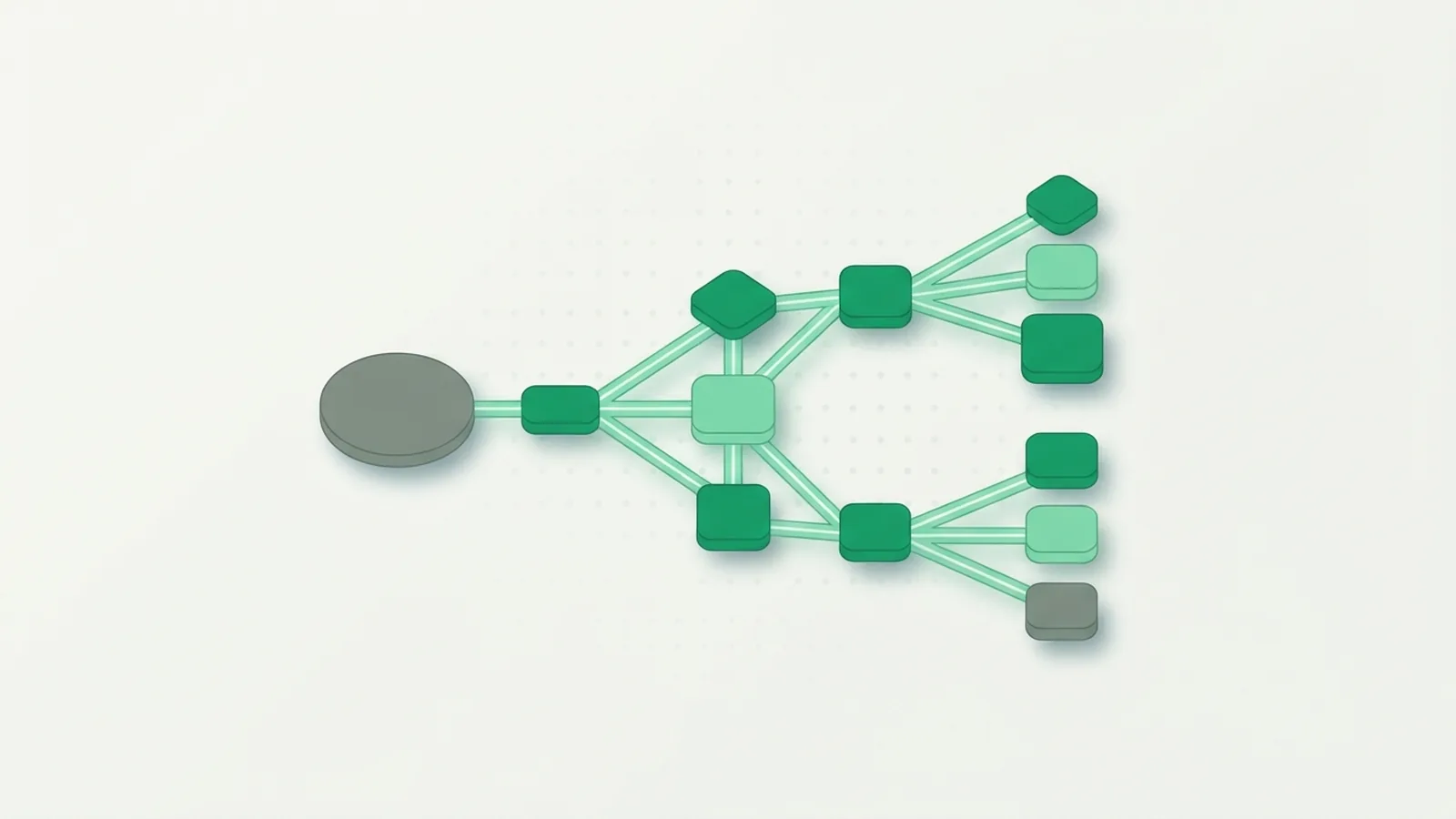
A payment flow is the set of steps that moves a payment from a customer to a business. For a credit card payment, it starts when the customer submits card details and ends when the business receives funds or the payment fails. The flow also carries approval or decline details back to the customer. Each step must work well.
People use “payment flow” to mean both the customer’s checkout steps and the behind-the-scenes movement of payment data. The full credit card flow includes both. A smooth checkout can still fail if a bank declines the charge, while a sound bank process can feel poor if checkout is confusing.
Think of a customer buying a $40 item online. The customer enters card details, the merchant sends a payment request, and the customer’s bank checks it. If approved, the merchant can confirm the order. The money moves through the payment system later, often in a separate step called settlement.
Payment processing has distinct stages, though names and roles can vary by provider. Stripe’s overview of payment processing explains how a request moves among the business, payment partners, and banks. That distinction helps teams find delays and errors.
Authorization and settlement
Authorization is the bank’s decision to approve or decline a payment request. Approval does not always mean funds have reached the merchant. Settlement is the later process that moves funds through the payment system to the merchant’s account.
These stages matter when a business reviews payment records. A payment may be approved but not yet settled. A refund also follows a different path from the original purchase, so teams should track it as its own event.
Key Parts of a Credit Card Payment
Several parties and tools pass a payment request along. The exact setup depends on the merchant’s provider and sales channel. Some providers combine several roles, so a business may not work with each one directly.
- Customer: Starts the payment and provides card details or uses a saved payment method.
- Merchant: Sells the goods or services and sends the payment request.
- Payment gateway: Securely gathers payment details and passes them to the next system.
- Payment processor: Routes payment data between the merchant, card network, and banks.
- Card network: Carries the request between the card issuer and the merchant’s bank.
- Card issuer: The bank or firm that gave the customer the card. It checks the request and returns an approval or decline.
- Merchant’s bank: Holds the merchant’s account and receives funds through settlement.
The customer sees only a few of these parts. Behind the scenes, a request may pass from the merchant’s checkout to a gateway, processor, card network, and card issuer. The issuer sends its decision back through the same chain.
Security applies at every handoff. Systems should protect card data while it moves and limit who can view or store it. A business can also use checks that help spot stolen card details or unusual activity. The goal is to reduce risk without adding needless steps for trusted customers.
When comparing providers, ask which parts they handle and which parts remain your team’s job. Check how they support refunds, failed payments, and payment records. Clear ownership makes errors easier to trace.

Seamless and Non-Seamless Payment Flows
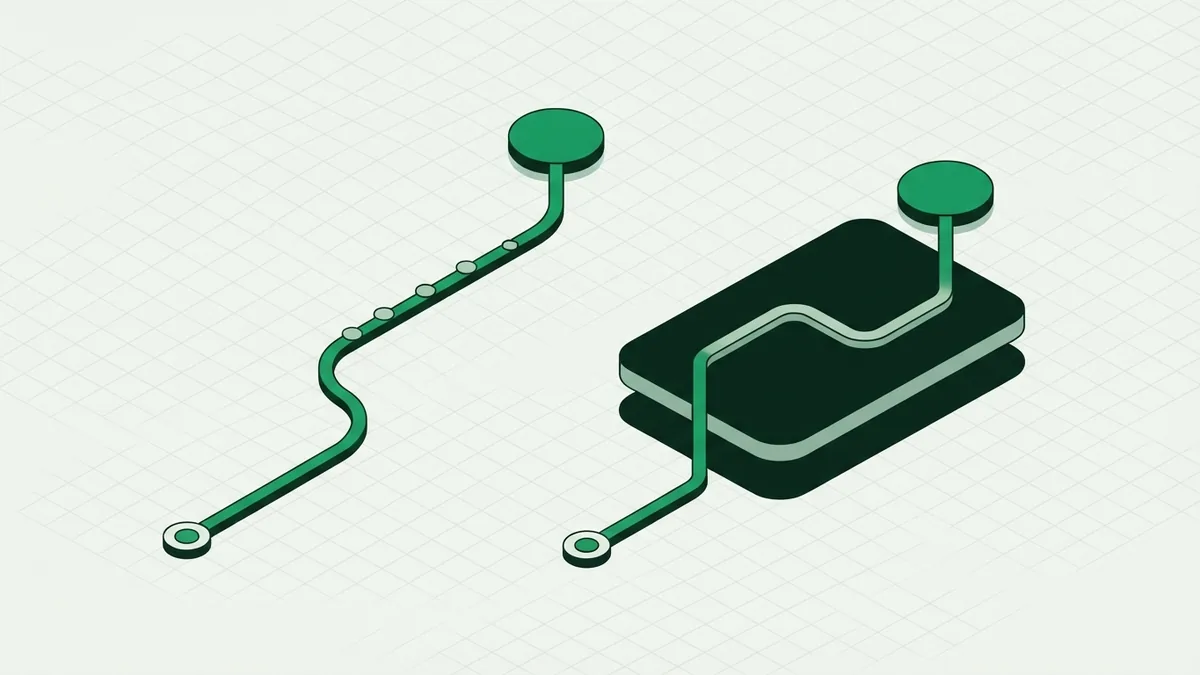
A seamless payment flow keeps the customer on the merchant’s site or app during checkout. The payment form feels like part of the store, even when a provider handles the payment in the background. This can reduce the sense of leaving the purchase, but it asks the merchant to build and maintain more of the checkout experience.
A non-seamless flow sends the customer to a payment provider’s page to enter card details. After payment, the customer may return to the merchant’s site. This setup can be quicker to add and can reduce the merchant’s direct handling of card details. Still, a sudden change in page or style can confuse some customers.
Neither approach suits every business. A small shop may favor a hosted page for ease of setup, while a large retailer may want more control over checkout. Some providers offer a middle path, such as secure payment fields that sit inside the merchant’s page.
Compare the options against the needs of your buyers and your team. Consider mobile use, setup effort, data handling, and the steps needed to fix a failed payment. Test the full journey, not only the screen where the card details go.
- Choose a hosted page when quick setup and less direct data handling matter most.
- Choose an on-site form when a steady checkout look and feel is key.
- Test both on a phone and a computer before launch.
How to Visualize a Payment Flow
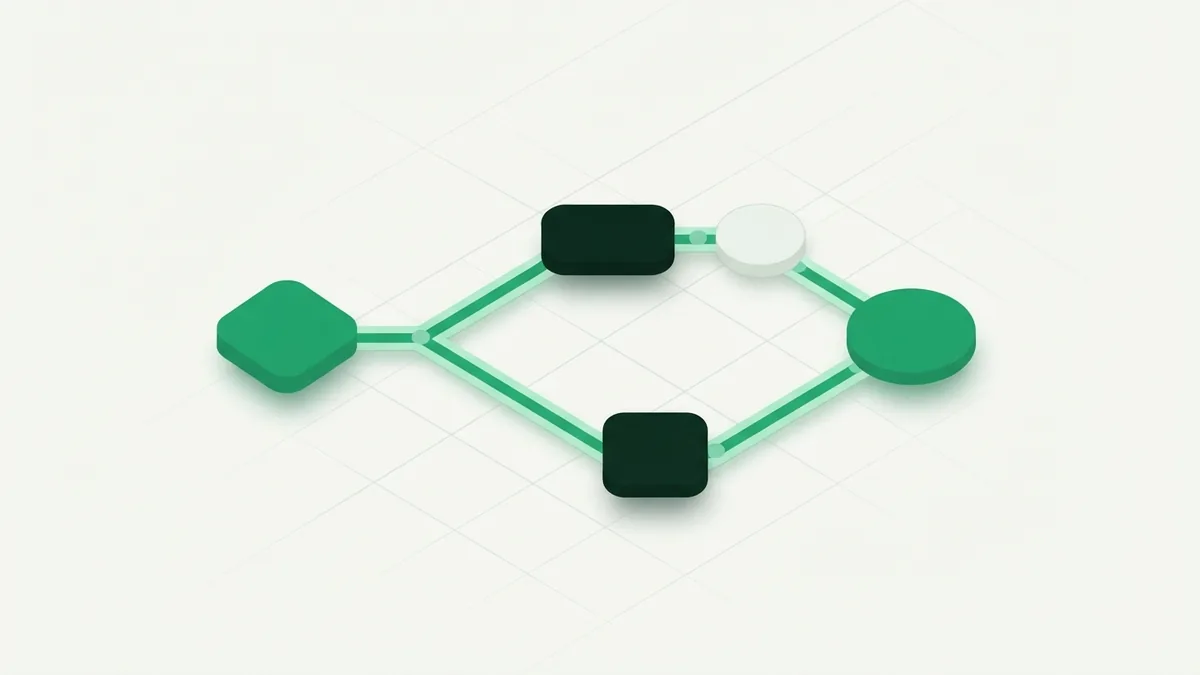
A payment flow diagram shows who sends data to whom, and what happens at each stage. It can help product, finance, and support teams share the same view of checkout. Start with one common case, such as a card payment that is approved.
Draw each party as a box and use arrows to show the order of events. Keep customer actions apart from messages sent between payment systems. Add a clear start and end point, then show where the approval returns to the merchant.
- Mark the start: the customer submits a payment at checkout.
- Show the merchant passing the request to the gateway or payment provider.
- Map the route through the processor and card network to the card issuer.
- Draw the issuer’s approval or decline moving back to the merchant.
- Add settlement as a later step, and mark where funds reach the merchant.
Then draw separate paths for declined payments, timeouts, refunds, and extra checks. These cases often reveal gaps that a simple success path hides. Use plain labels, keep each arrow focused on one event, and avoid crossing lines where possible.
A good diagram does not need every technical detail. Show enough to answer who handles each step, what data moves, and where an error can occur. Keep a detailed version for technical teams and a simpler view for staff who need to explain payment status.
Why a Well-Designed Flow Matters
A well-made payment flow can help customers finish checkout with less confusion. It can also help a business spot failed payments and see where buyers leave. Even a small change, such as clearer error guidance, may help a customer fix a mistake instead of giving up.
Speed matters, but it is not the only goal. A payment flow must balance ease, safety, and clear feedback. If a payment fails, tell the customer what they can do next, such as checking details or trying another method. Avoid vague messages that leave them unsure whether money was taken.
For businesses, a clear flow can make support work easier. Staff can see whether a payment was sent, approved, or settled. They can also trace a refund or find the stage that needs attention. Better records can help teams compare provider performance over time.
Review the flow with real use cases. Test a successful payment, a declined card, a slow response, a refund, and a customer who leaves checkout midway. Track completion rates and common error types, then change one part at a time. This makes it easier to tell which changes help.
Security should remain part of each review. Limit the card data your systems keep, check access to payment tools, and make sure error paths do not expose private details. Work with providers that explain their role and offer tools for safe payment handling.
The best payment flow is clear to the customer and traceable to the business. A diagram gives teams a shared map. Regular tests show where the map no longer matches what customers experience.

Frequently asked questions
- What does payment flow mean?
- Payment flow means the steps that carry a payment from a customer through payment systems to a merchant. It includes the customer’s checkout and the behind-the-scenes approval and settlement steps.
- How does a credit card payment flow work?
- The merchant sends the payment request through payment tools and a card network to the card issuer. The issuer approves or declines it, and the result returns to the merchant.
- What is the difference between authorization and settlement?
- Authorization is the issuer’s decision on a payment request. Settlement is the later movement of funds to the merchant’s account.
- What is the difference between seamless and non-seamless payments?
- A seamless payment keeps the customer on the merchant’s site or app. A non-seamless payment sends the customer to a separate provider page.
- What should a payment flow diagram include?
- Show the customer, merchant, payment provider, card network, and issuer as needed. Map the request and response, then add other paths for declines, delays, refunds, and settlement.
Related reading

What Is Flutterwave? How Its Payment Tools Work
Learn how Flutterwave helps businesses take and manage digital payments.
What Is Credit Card 3D Secure?
See how 3D Secure verifies cardholders and can protect online payments.
What Are BIC and IBAN Numbers?
Learn how BIC and IBAN work together to route international bank payments.