How PayID Works: A Guide to Fast Australian Bank Payments
Learn how PayID links simple identifiers to fast, safer bank payments.
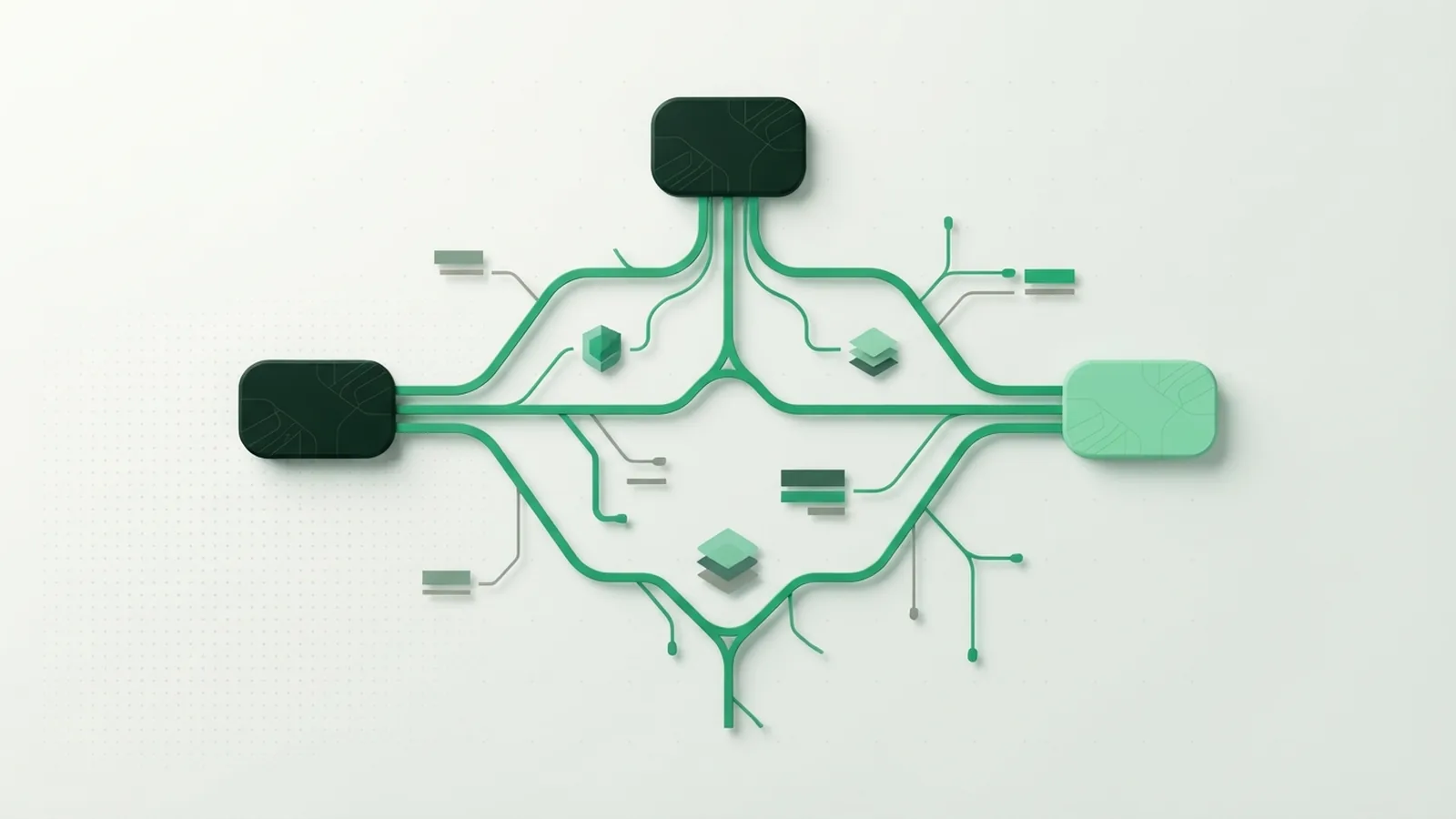
What Is PayID?
PayID is an identifier linked to an Australian bank account. It helps people receive payments without sharing a BSB or account number.
Your PayID can be a mobile number, email address, or approved business identifier. You choose the account that receives the money.
PayID works through the New Payments Platform, known as the NPP. This shared network supports fast bank payments at any time.
- Use a mobile number, email, or approved business identifier
- Link the identifier to one chosen bank account
- Let senders check your registered name before payment
- Receive payments through participating banks day and night
PayID does not open a new bank account. It gives people a simple way to find an existing account.
More than 100 Australian financial institutions support PayID. This reach helps households, sole traders, and larger firms.
How Does PayID Work?
To understand how does PayID work, start with the link held by your bank. The bank connects your chosen identifier with one account.
The sender enters your PayID in their banking app. The app checks the identifier and shows the registered payee name.
The sender compares that name with the person or business they want to pay. They then approve the payment through their bank.
The payment moves through the NPP after approval. Many payments arrive within seconds, but bank checks can cause a delay.
PayID supports near real-time payments across participating banks. The service can run during nights, weekends, and public holidays.
The sender still needs a bank account with NPP access. Both banks must support the payment path for it to work.
PayID does not store your money or act as a separate wallet. Your bank remains responsible for the account and payment approval.
Australian Payments Plus explains PayID as part of Australia’s shared payment system.
Benefits of Using PayID

PayID benefits start with less data sharing. You can give someone a mobile number or email instead of full bank details.
The payee confirmation step also helps prevent simple typing mistakes. The sender sees the name linked to the PayID before sending funds.
Speed matters for both households and businesses. A business can confirm payment sooner and release an order with less wait.
Families can use PayID to split bills or send urgent funds. The payment does not depend on normal branch opening hours.
| Feature | What it means |
|---|---|
| Simple identifier | Use a mobile number, email, or approved business ID |
| Fast delivery | Funds often arrive within seconds |
| Payee check | Review the registered name before approval |
| Broad reach | More than 100 Australian financial institutions support PayID |
PayID can suit online sellers who need a clear way to receive money. It can also help firms match incoming payments with the right customer.
Still, PayID does not remove bank fees or account rules. Check your bank’s terms before using it for regular business payments.
PayID Security Features and Limits
PayID security features work with your bank’s usual safeguards. These may include sign-in checks, device checks, and fraud alerts.
The name check is the clearest safety step. Check it every time you pay a new person or business.
PayID hides your BSB and account number from the sender. Still, it does not stop scams or payments sent to a fake payee.
A payment can be hard to recover after you approve it. Take extra care when a stranger creates urgency or asks for secrecy.
- Check the payee name before each new payment
- Use your bank’s official app or website
- Keep passwords and security codes private
- Call your bank quickly after a wrong payment
Scamwatch’s payment redirection advice covers common bank payment scams.
PayID does not make an unsafe payment safe. Treat the identifier as a way to find an account, not proof of trust.
How to Set Up Your PayID
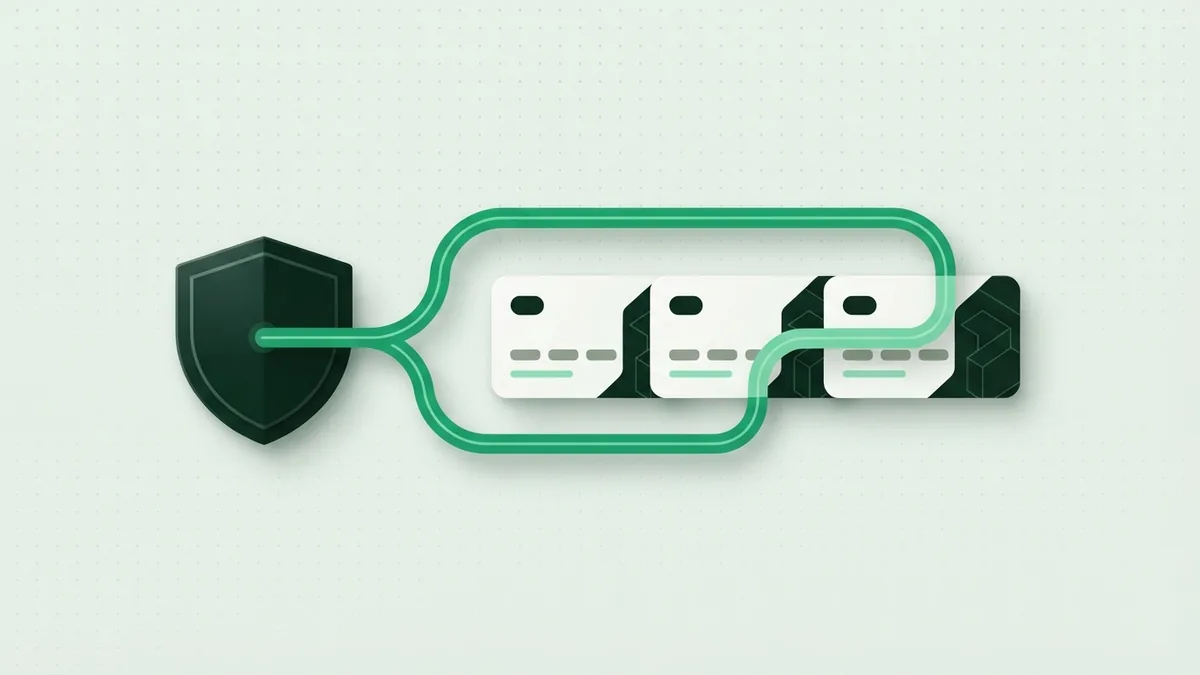
The PayID registration process usually takes a few minutes. You need your bank app and an identifier that you control.
The exact screens vary between banks. Look for PayID under payments, account settings, or profile tools.
- Sign in to your bank’s official app or online banking.
- Open the PayID or payment settings area.
- Choose an available mobile number, email, or business ID.
- Select the bank account that should receive payments.
- Confirm the details and complete any security check.
- Share the new PayID with people who need to pay you.
Only one PayID can link to each bank account at a time. You can still have several PayIDs across different accounts or banks.
For example, you might link a mobile number to your personal account. You could link a business email to a separate business account.
Ask your bank to change or remove a PayID when your details change. Remove old identifiers before closing an account.
Making Payments with PayID
Making a payment with PayID follows a short path. You need the recipient’s active identifier and the amount.
- Open your bank’s payment feature.
- Choose PayID as the payment type.
- Enter the recipient’s mobile number, email, or business ID.
- Check the displayed name and payment details.
- Approve the payment with your bank’s security step.
Stop if the displayed name does not match your recipient. Ask the recipient to confirm the PayID through another trusted channel.
Some payments may face limits, checks, or short delays. Your bank sets many of these rules.
Keep your receipt or payment record until the recipient confirms arrival. This step helps resolve mistakes with your bank.
PayID for Businesses
PayID for businesses can simplify customer payments. A firm can share an approved business identifier instead of long bank details.
The name check gives customers a clear point of trust before approval. Staff can also match incoming funds with the right trading account.
PayID may suit invoices, refunds, deposits, and one-off orders. It may not replace a full checkout system for every sale.
Businesses should set clear payment rules for staff. They should also watch account alerts and match payments each day.
- Use a business identifier that customers can recall
- Show the correct trading name at payment
- Set limits for staff and outgoing payments
- Match received funds with open orders
- Train staff to spot urgent payment scams
Ask your bank about fees, limits, and reporting tools. These terms differ between business accounts.
Common FAQs About PayID
Is PayID the same as a bank account?
No. PayID is a way to find a linked bank account. Your bank still holds the funds and runs the payment.
How fast is a PayID payment?
Many payments arrive within seconds. Bank checks, system issues, or account limits can cause delays.
Can I use PayID with any Australian bank?
More than 100 Australian financial institutions support PayID. Both banks must support the payment path.
Can I change the account linked to my PayID?
Usually, yes. Open your bank’s PayID settings and follow its change or transfer steps.
Can I have more than one PayID?
Yes. Each bank account can have one registered PayID. You can use different PayIDs across other accounts or banks.
Can a PayID payment be reversed?
A reversal is not guaranteed after approval. Contact your bank at once if you send money to the wrong account.
Frequently asked questions
- What is PayID?
- PayID is an identifier linked to an Australian bank account. It lets people send money without sharing a BSB or account number.
- How does PayID work?
- The sender enters your PayID into their bank app. The app shows your registered name before the sender approves payment.
- How long does a PayID payment take?
- Many PayID payments arrive within seconds. Bank checks or account limits may cause a delay.
- Can I have more than one PayID?
- Yes. Each bank account can have one registered PayID. You can use other PayIDs across different accounts or banks.
- Is PayID safe to use?
- PayID adds a name check and hides your account details. You must still check the recipient and watch for scams.
Related reading
What Is Flutterwave? How Its Payment Tools Work
Learn how Flutterwave helps businesses take and manage digital payments.
What Is Credit Card 3D Secure?
See how 3D Secure verifies cardholders and can protect online payments.
What Is a Payment Flow? How Card Payments Move
See how card payments move from checkout to approval, and what makes a flow work well.