Payment Unsuccessful: How to Diagnose and Fix Card Declines
If your payment was unsuccessful, check card details, limits, and bank security settings.
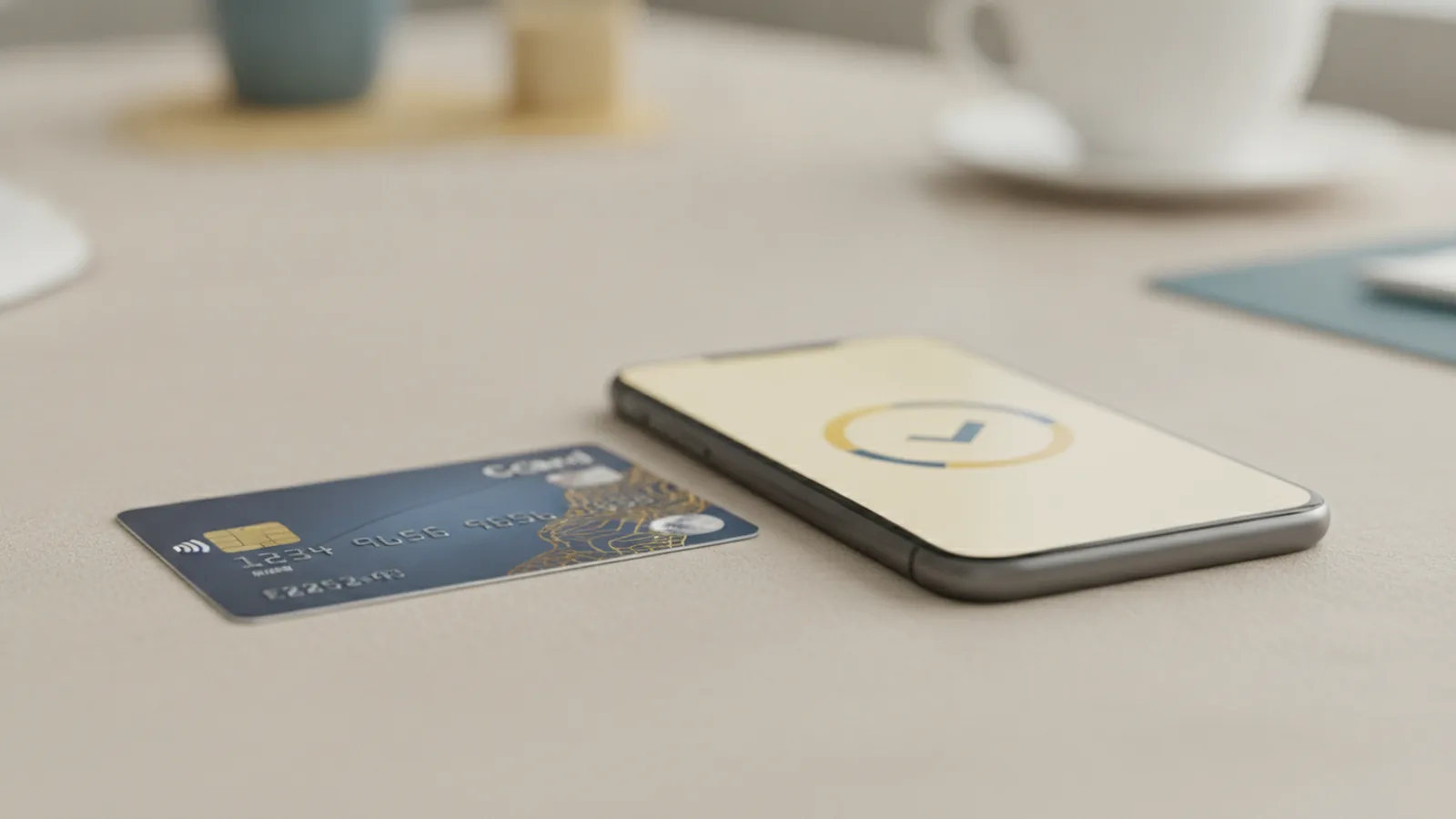
Common Reasons for an Unsuccessful Payment
A payment marked as “unsuccessful” usually fails for a concrete reason, not a mystery bug. The most common ones are simple and fast to test. Start with your card and balance, then move to limits and bank security checks.
In practice, card decline reasons often include insufficient funds, incorrect card details, and an expired card. If your card has expired, or the expiry month and year are wrong, the payment processing can reject it immediately. Even one wrong digit in the card number can trigger an unsuccessful transaction.
Declines can also happen when transaction limits block the charge. Many banks enforce daily limits for card payments, including online and international usage. If you exceed those limits, you may still see “transaction unsuccessful,” even though your balance is enough.
- Insufficient funds or unused credit on the card
- Incorrect card details such as number, expiry date, or CVC
- Card expiration or a replacement card that was not updated
- Transaction limits exceeded for the day or for specific payment types
- Bank security checks triggered by unusual activity
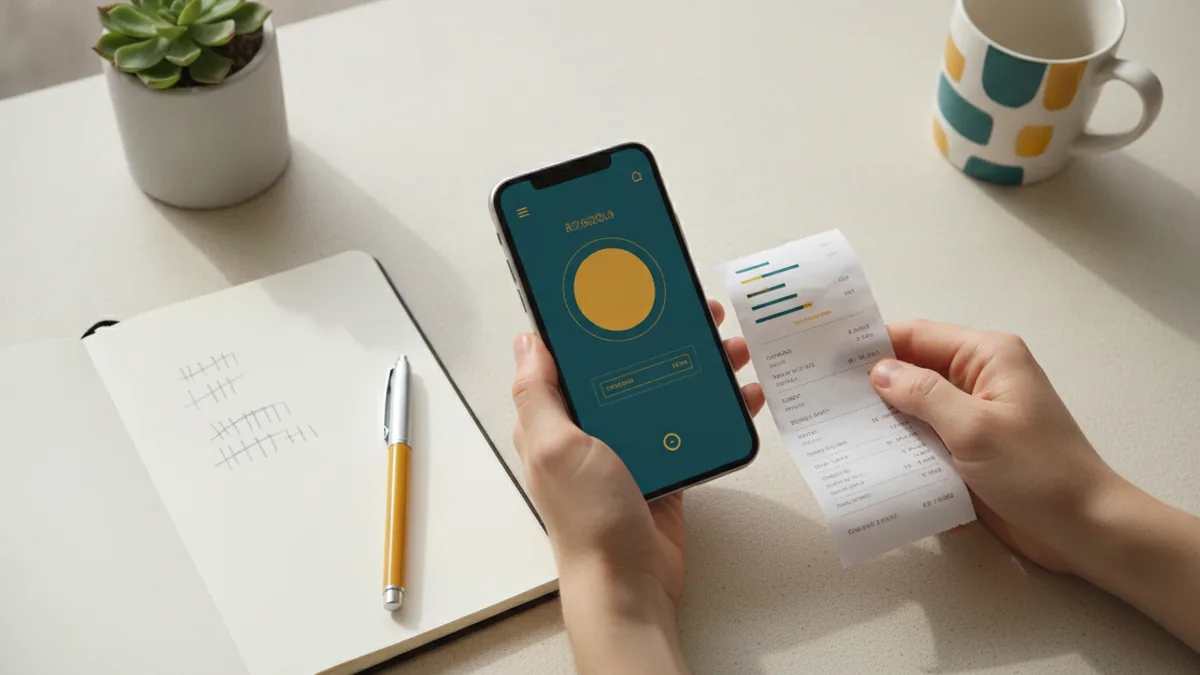
Troubleshooting Payment Declines: What to Check First
When you see an unsuccessful payment, don’t retry blindly multiple times. Repeated attempts can look like fraud to some banks, which can worsen declines. Instead, gather details from your payment screen and from your bank app.
First, check whether you are paying with the right card. If you recently replaced a card, you may still be using an older saved card in a checkout form. That mismatch is a common cause of payment verification failures.
Next, check if you are using the right payment type. Some cards allow in-store payments but block online payments by default. Similarly, international payments can be disabled, which can turn a transaction unsuccessful for cross-border purchases.
- Confirm the payment amount and currency look correct on the checkout page.
- Try the same payment method only once after basic checks.
- Verify your card is not locked and that it supports the payment type.
- Check whether you hit daily limits for card payments.
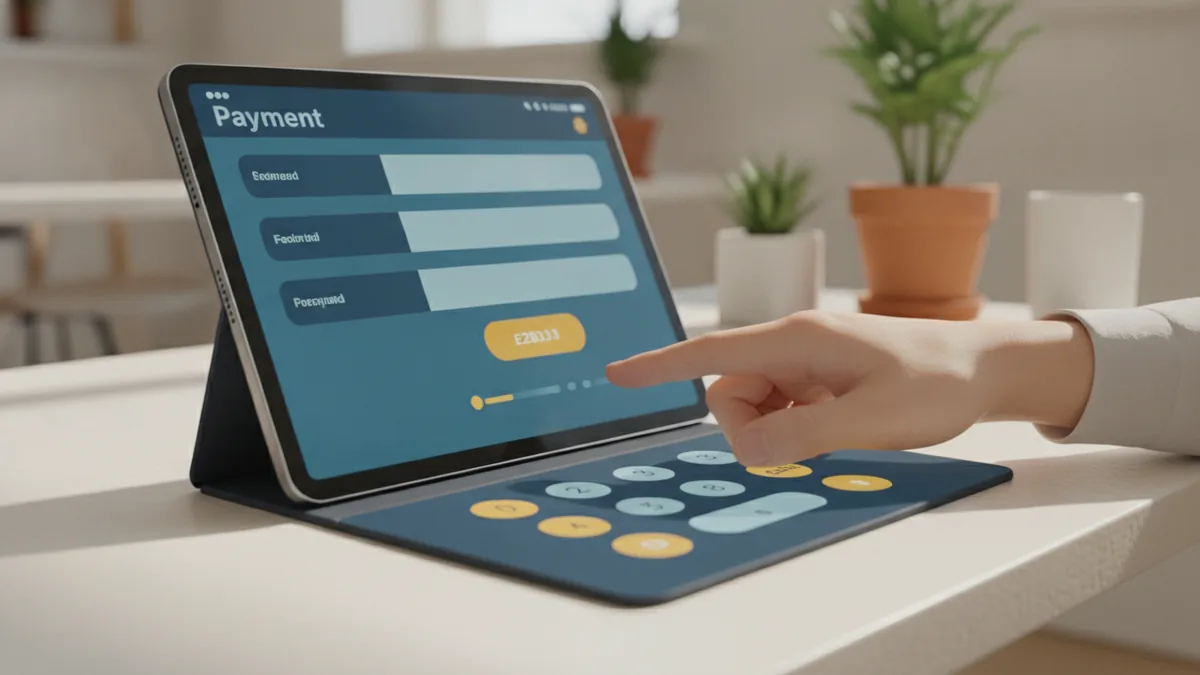
Steps to Resolve Transaction Issues Fast
You can usually resolve an unsuccessful transaction by working through a short set of high-impact fixes. Think of it like narrowing down the failure point. Start with the simplest errors, then move to account and bank rules.
Pay attention to what the checkout page shows. Some sites display a “soft decline” message, which can be retryable after a setting update. Other messages indicate hard declines, like expired cards or invalid details, where retrying will not help.
Use this sequence when you want a quick path to success. The goal is to fix what the payment processing layer can verify. After each change, wait a few minutes before testing again.
| What you notice | Likely cause | What to do |
|---|---|---|
| Instant failure on checkout | Wrong card details or expired card | Re-enter card data carefully, check expiry date |
| Fails after several attempts | Bank security rules or fraud flags | Pause retries, then contact your financial institution |
| Fails only for a certain amount/day | Transaction limits exceeded | Check daily limits, split purchases if allowed |
| Works in-store but not online | Online payment settings disabled | Enable online card payments in your bank app |

Verifying Payment Information: Card and Billing Details
Payment verification is often where declines start. Even small errors in card entry can cause an unsuccessful payment. Treat card details like passwords: exact, consistent, and up to date.
Begin with card expiration and security code. Card expiration is a top card decline reason because the payment system may reject charges once the card is no longer valid. Then verify the CVC or CVV value matches what your bank prints on the card.
Also verify billing information. If a billing address is required, mismatched details can cause the payment to be rejected. If you use a saved card, confirm that the saved billing address still matches your current payment account information.
- Check the expiry month and year, not just the card number
- Re-enter the CVC/CVV carefully, even if the page pre-fills it
- Confirm the billing address fields match the card’s billing record
- Replace old saved cards if you received a card renewal
Contacting Financial Institutions: Handling Security Checks and Limits
When basic checks do not fix the transaction, the bank’s rules may be blocking it. Banks run security checks and may decline an unusual activity pattern. This can include a new merchant, a higher amount than usual, or a purchase in a region you rarely use.
If you suspect bank security policies, contact your financial institution communication channel and ask for the reason code behind the decline. Many banks can confirm whether the attempt was blocked by fraud prevention, online authorization rules, or card lock status. This step is especially useful for payment verification when the merchant receives only limited decline info.
You should also ask about transaction limits. Daily limits, per-transaction limits, and limits by channel can all impact card payments. If the limit is the issue, your bank may be able to temporarily raise it or let you enable specific payment types.
Bring these details when you call or chat. Include the date and time of the attempt, the approximate amount, and the merchant name. Ask them to check whether the card had any security holds that could cause a transaction unsuccessful outcome.
- Share the decline time window and payment amount.
- Ask what rule triggered the decline (security vs limit vs data).
- Request a temporary adjustment if you need it for one purchase.
- Confirm online and international payment permissions are enabled.
Preventing Future Payment Problems
After you fix an unsuccessful transaction, take a few minutes to reduce the chance it returns. Prevention is mostly about keeping your card and settings aligned with how you actually pay. It also helps to plan around transaction limits.
Regularly check your account balance and payment settings. Many people see declines near month-end or after large spending because available funds change quickly. Also watch for card updates from your bank, such as renewals or reissued numbers.
Keep online payment settings current. If you travel or shop internationally, confirm that online payment settings and international permissions remain enabled. Some cards disable these features automatically after suspicious patterns or after a period of inactivity.
- Update any saved card in checkout forms after a card renewal
- Review card settings for online and international payments
- Check your daily transaction limits before making large purchases
- Monitor your balance to avoid declines from low available funds
- Use fewer retries if you see repeated “transaction unsuccessful” messages
Quick checklist you can use before the next payment
Most future problems can be avoided with one quick routine. Confirm your card is not expired, your balance is enough, and your bank allows the payment type you are using. Then try the payment once, not repeatedly, if it fails.
If it still fails, treat it as a settings or security issue. Use payment verification steps and then contact your financial institution for the decline reason. That combination usually gets you back to a successful payment quickly.
Frequently asked questions
- Why does my payment show as payment unsuccessful even when I have money?
- Daily limits or channel rules may block the charge even with available funds. Bank security checks can also decline payments that look unusual.
- What should I do when a transaction unsuccessful message appears on checkout?
- Stop after one attempt and verify card details, expiry date, and CVC. Then check online payment settings and transaction limits in your bank app.
- Can an expired card cause an unsuccessful payment?
- Yes. If the card expiry month or year is past, the payment system will reject the charge.
- How do I fix payment verification problems with my billing details?
- Update billing fields and confirm they match your bank record. If you have a renewed card, replace the saved card and billing info.
- Will contacting my financial institution help with card decline reasons?
- Often, yes. They can tell you whether security policies, online authorization, or limits triggered the decline.
- How can I prevent future unsuccessful transaction attempts?
- Keep card settings current, watch balances before large buys, and check daily limits. Avoid repeated retries after the first failure.
Related reading
Why Do Payments Fail? Causes and Recovery
Find the cause of failed payments and recover more sales without harming trust.

How Do Credit Cards Work?
Understand credit cards, compare them with debit cards, and manage payments wisely.
How Is a Credit Card Different From a Debit Card?
See how each card works, what it costs, and when to use it.