Payments by SMS: How to Pay by Text (and Run It Safely)
Payments by SMS let customers pay by text—faster cash flow and less admin.
What are SMS payments?
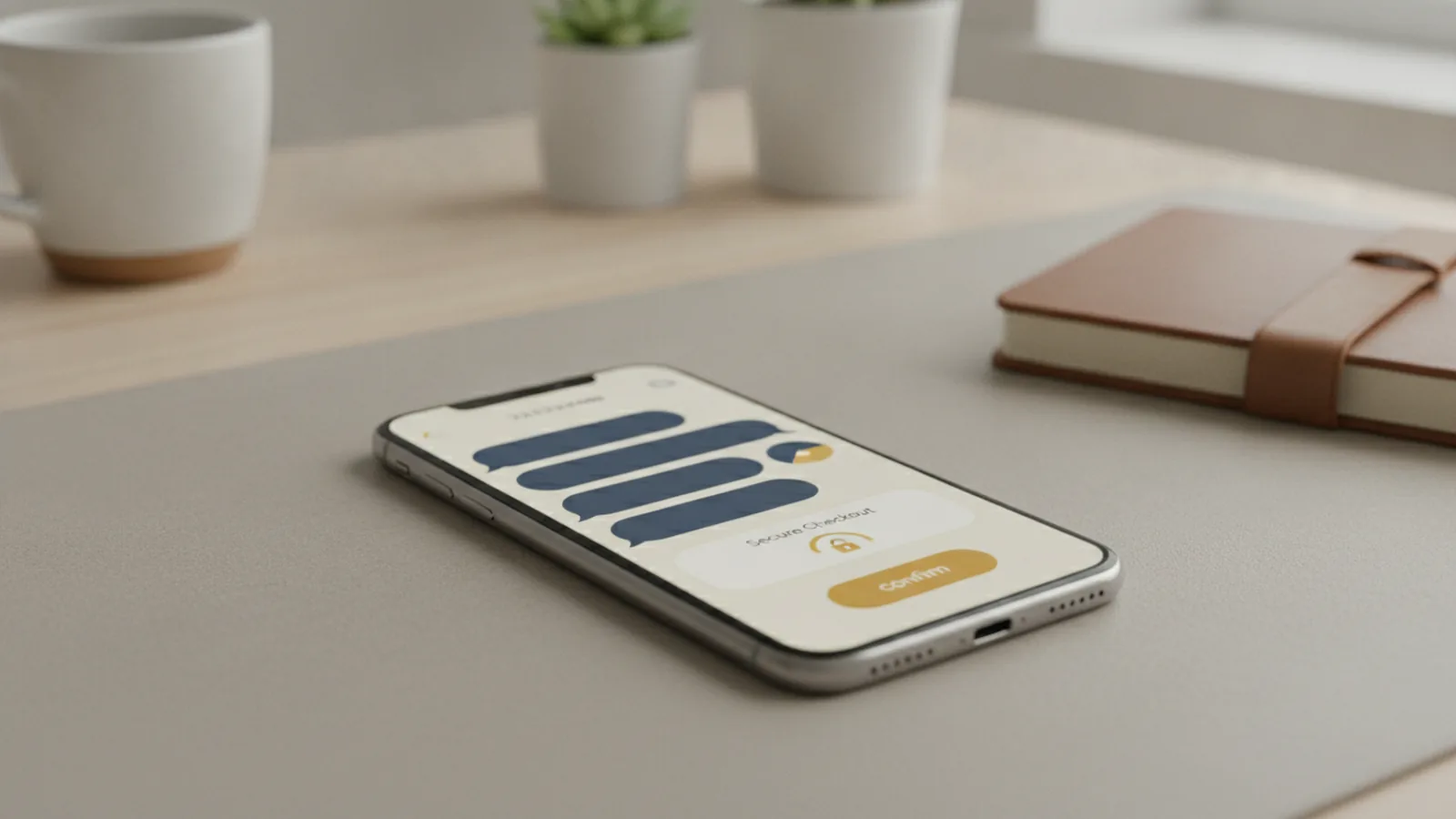
Payments by SMS let customers pay using a text message from their mobile phone. They can pay by sms by tapping a secure link, or pay with sms by replying to a short prompt. This is part of mobile sms payments that fit into everyday phone behavior.
In most setups, a business sends a payment request that includes a payment link in the message. The customer then completes the transaction on a mobile-optimized page. That page is designed for quick entry and clear confirmation, so customers can finish without jumping through menus.
SMS payments are often paired with text-to-pay flows. Those flows turn an incoming SMS into a checkout step, while keeping the handoff simple for the customer.
Quick definition
“Pay by SMS” means the customer uses SMS to start and finish payment processing. The business controls the request, and a payment system handles the transaction.

How SMS payments work
The process starts when a business triggers a payment request from its systems. The business sends an SMS to the customer’s phone number. That SMS contains a secure payment link that leads to a checkout page.
After the customer taps the link, the page loads on the phone browser or an in-app web view. It shows the amount, the payment method options, and the next step. The customer confirms and completes payment through the payment processing flow behind the page.
Some systems also support a simpler “reply to pay” path. The SMS includes instructions like “Reply 1 to pay,” and the reply starts the same checkout flow. The key is that the reply maps to a known invoice or payment intent, not a random number.
What happens behind the scenes
- A business creates a payment intent tied to an invoice or order.
- The business sends an SMS that references that intent via a secure link.
- The customer completes checkout on a mobile-optimized page.
- The payment processor confirms success or failure and updates records.
- The business sends a confirmation message and closes the invoice.
Example: utilities text-to-pay
A utility can text customers a due notice with a link. Customers pay on their phone in minutes, often without logging into a separate portal. When the payment succeeds, the utility updates the account balance and can send a receipt by SMS or email.

Benefits of SMS payments
Mobile sms payments can speed up collections and reduce work for staff. Many businesses see faster payment times because the customer receives the request right where they already are. Instead of mailing statements or waiting for portal logins, the customer gets a prompt in a familiar channel.
SMS payments can also cut administrative tasks. Staff spend less time chasing payments manually because the request is automated and the confirmation is immediate. That helps back-office teams focus on exceptions like disputes or failed payments.
Improved cash flow is a common outcome. When payments arrive sooner, businesses can cover operating costs more reliably. That is especially important for recurring billing and time-sensitive invoices.
Concrete operational gains
Here are practical benefits you can expect when SMS is implemented well.
| Business need | How payments by SMS help |
|---|---|
| Reduce payment delays | Customers pay quickly from mobile-optimized payment pages |
| Lower manual follow-up | Automated payment links reduce “reminder” admin work |
| Improve reconciliation | Payment confirmation updates invoice status automatically |
| Support customer engagement | Timely texts match when customers check their phones |
Where “text message marketing” fits
SMS payments are not just promotion. When the message is tied to a specific invoice, the customer gets a clear reason to act. That often performs better than generic outreach because it is triggered by a real account event.

Types of businesses using SMS payments
SMS payments work best where customers are busy, statements are time-based, or account access is hard on mobile. Many industries already rely on text notifications, so adding payment support feels natural. This also helps teams reach customers who do not check email or portal inboxes often.
Utilities use SMS payments to collect bills and reduce overdue accounts. Healthcare providers use pay by sms for copays and balances, especially when patients need an easy way to settle quickly. Retail and e-commerce brands use secure payment links for order issues, unpaid invoices, or follow-up payments.
Even services like education and property management can benefit. If you already message customers about due dates, you can extend the flow to payment completion without forcing a new login journey.
Common use cases
- Bill reminders for utilities and telecom
- Copay and balance payments in healthcare
- Invoice follow-ups for B2B services
- Outstanding order payments in retail
- Rent and fee payments in property management
Why the channel matters
For many customers, the barrier is not payment method choice. The barrier is finding the right place to pay. SMS payments reduce that step by bringing the secure payment link directly to the mobile device.
How to implement SMS payments
Start with the payment flow you want, then connect it to your billing or order system. Decide whether you will use secure payment links, reply-to-pay prompts, or both. Most businesses begin with text-to-pay links because they are clear and easy to support.
Next, ensure you can create a unique payment intent for each invoice or order. That intent should include the amount and reference data needed for reconciliation. When the customer completes checkout, your systems should mark the invoice as paid and save the receipt.
Finally, design for mobile. The payment page should load fast, show clear amounts, and limit form friction. If the page is hard to use on a phone, you will erase much of the SMS convenience advantage.
Implementation checklist (practical steps)
- Get customer consent for SMS notifications used for payment requests. Use opt-in or documented permission.
- Match message to purpose and include the payment link for each invoice.
- Use secure payment links that tie to a specific payment intent.
- Send clear instructions so customers know what to expect after tapping.
- Confirm results by updating your invoice status and logging transaction details.
- Set up fallback paths for failures, like a different contact method.
- Test across mobile browsers and payment methods before going live.
Consent and legal compliance you should plan for
In the U.S., businesses must follow rules like the Telephone Consumer Protection Act. Consent and opt-out handling matter, especially when sending recurring payment-related texts. If you operate outside the U.S., apply local rules for SMS messaging and electronic communications.
Your SMS program should also respect customer preferences. Some customers want calls, some want email, and some want fewer messages. Give them control over how they receive reminders.
Operational best practices
- Send payment requests at times that match customer behavior, not only office hours.
- Include the minimum needed context, like invoice reference and due amount.
- Throttle repeats to avoid customer frustration and message fatigue.
- Send confirmation quickly after payment processing updates the system.
Challenges and considerations for SMS payments
SMS payments are straightforward, but they add new risks to manage. Data security is the first concern because payment flows connect customer identity, phone numbers, and transaction intent. You should isolate payment intent handling and ensure links cannot be guessed or reused.
Compliance is another area to handle carefully. SMS messaging touches telecom consent rules and payment rules. Build your process around opt-in records, message purpose, and clear opt-out paths.
Customer preferences also affect performance. Some customers prefer pay by link, while others respond better to a simple reply flow. If you force one approach on everyone, you may see higher drop-offs for parts of your audience.
Common failure points
| Potential issue | What it looks like | What to do |
|---|---|---|
| Broken link or expired link | Customer taps and gets an error | Use short time windows and resend on failure |
| Wrong invoice mapping | Customer pays for the wrong amount | Tie each link to a specific payment intent |
| Message timing complaints | Customers report too many texts | Throttle and respect quiet hours and opt-outs |
| Mobile UX problems | Payment page is hard to use | Test on multiple phones and networks |
Balance convenience with control
SMS is convenient, so your program should be precise. Avoid vague text prompts. Make sure each message leads to a clear next step and a verifiable result.
Future trends in SMS payment solutions
SMS payment systems are moving toward tighter automation and better personalization. Businesses want to send the right message at the right time, based on payment status and customer behavior. That can boost completion rates while reducing repeat reminders.
We are also seeing more support for digital wallet flows. Some payment experiences increasingly blend link-based checkout with wallet-ready options. This matters because customers expect fast confirmation and minimal friction.
Finally, customer engagement will expand beyond reminders. Instead of only asking customers to pay, systems can guide them through installment plans or payment method updates. The best implementations keep the experience secure and easy to audit.
What to watch next
- More reliable reply-to-pay experiences with safer intent mapping
- Better mobile performance for checkout pages
- Smarter scheduling based on payment intent and local time zones
- More wallet-compatible payment processing options
If you are planning a rollout, build a foundation first. Start with consent, secure payment links, and clean invoice reconciliation. Then expand features once your core flow is stable.
Step-by-step
- 01 Choose your SMS payment flow
Decide whether to use secure payment links, reply-to-pay, or both. Start with the option that is clearest for your customers.
- 02 Create a payment intent for each invoice
Generate a unique intent tied to the amount and reference data. This ensures reconciliation stays accurate after payment processing.
- 03 Send payment requests via SMS with consent
Only message customers who opted in or have documented permission. Follow the required opt-out handling for SMS communications.
- 04 Optimize the checkout page for mobile
Use a fast, mobile-ready payment page with clear amounts and minimal form steps. Test on common phones and networks before launching.
- 05 Confirm results and update your systems
After success or failure, update invoice status and store transaction logs. Send timely confirmation so customers trust the process.
- 06 Monitor issues and refine your messaging cadence
Track delivery errors, drop-offs, and repeat payment attempts. Adjust timing and message volume to match customer preferences.
Frequently asked questions
- How do payments by SMS work for businesses?
- A business sends a payment request by SMS that includes a secure payment link. The customer completes checkout on a mobile-optimized page, and the business updates the invoice status.
- Can customers pay by SMS without opening an app?
- Yes. Most pay by sms setups use a link that opens a browser-based checkout on the phone. This keeps the experience simple for mobile customers.
- Do pay with sms flows require customer consent?
- They usually do. You should obtain consent for SMS messaging and document permission for payment-related texts, especially for recurring reminders.
- What are common challenges with mobile sms payments?
- The main challenges are data security, compliance with messaging rules, and handling customer preferences. You also need strong invoice-to-payment mapping to avoid mix-ups.
- Which types of businesses use mobile payment solutions like SMS?
- Utilities, healthcare, retail, and property management commonly use text-to-pay flows. They benefit when customers need a quick way to pay from their phone.
- What should I test before going live with SMS payments?
- Test link delivery, link expiry, mobile checkout usability, and payment confirmation updates. Also test failure handling so customers see clear next steps.
Related reading
What Is Flutterwave? How Its Payment Tools Work
Learn how Flutterwave helps businesses take and manage digital payments.
What Is Credit Card 3D Secure?
See how 3D Secure verifies cardholders and can protect online payments.
What Is a Payment Flow? How Card Payments Move
See how card payments move from checkout to approval, and what makes a flow work well.