What Is a Failed Transaction, and How Can You Fix It?
Find out why payments fail and how to recover them with less hassle.
What a Failed Transaction Means
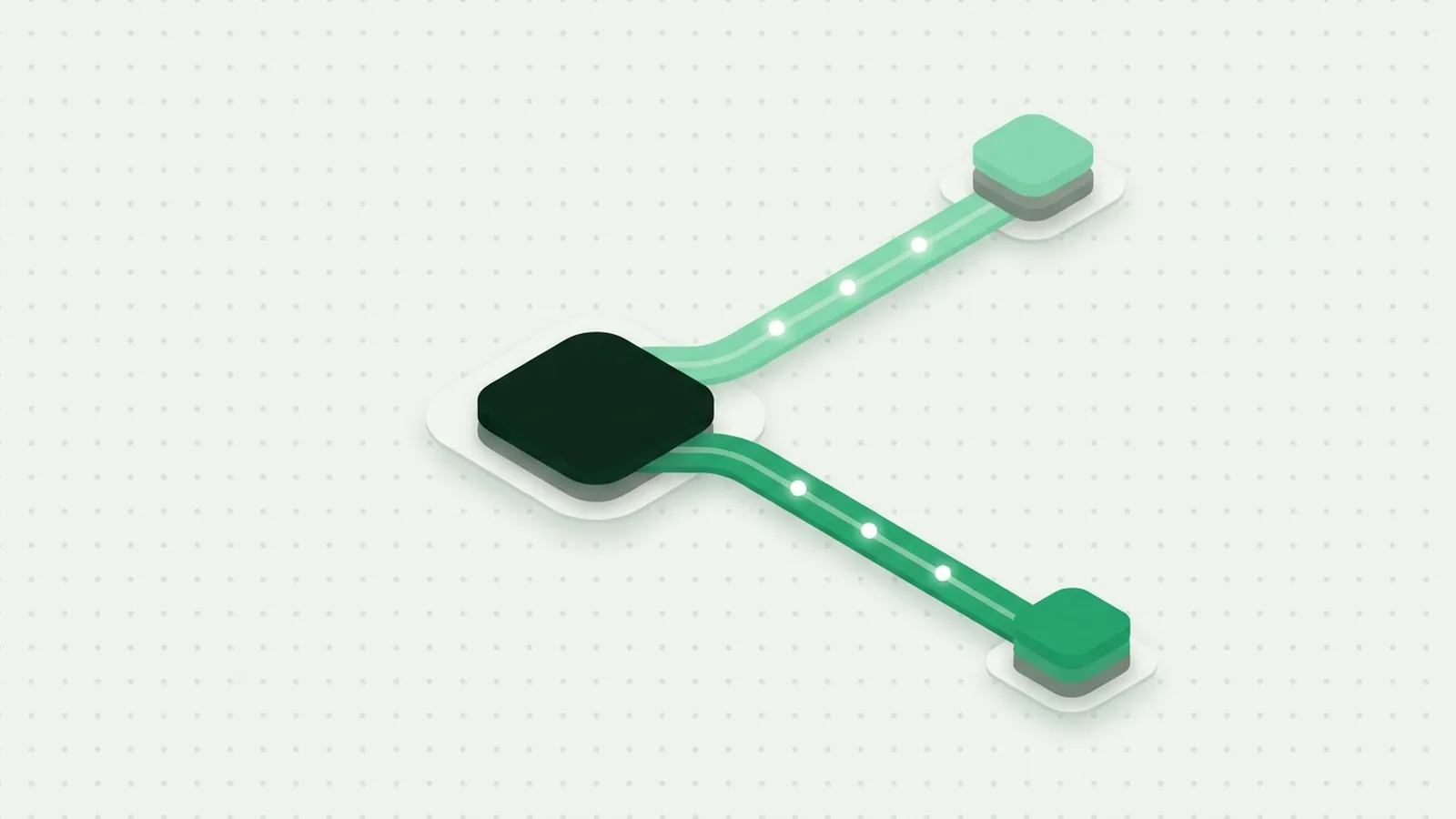
A failed transaction is a payment attempt that does not complete or transfer funds as intended. The customer may see a decline, an error, or a pending charge. The exact failed transaction meaning depends on where the payment stopped.
A payment can pass through several steps. A checkout sends payment details to a payment gateway, which routes the request to a processor and the customer’s bank. The bank or payment tool may approve or decline it. A technical fault can also stop the request before approval.
A failed payment does not always mean money left the customer’s account. Some banks place a temporary hold during an incomplete attempt. That hold may later disappear, while a completed charge follows a separate refund process. Clear status messages help customers tell the difference.
For a business, each failure can mean lost sales or extra support work. The first task is to find the failure point, then give the customer a useful next step.
Common Reasons Payments Fail
The reason for a failed transaction may be simple, such as a typing mistake, or tied to a bank’s risk checks. A decline code can point to the cause, but codes vary by provider. Treat them as clues, not a full explanation.
Common causes include low account funds, an expired card, a wrong security code, or an incorrect billing address. A card may also have a spending limit or a block on online purchases. Some customers enter old details saved in a browser or account.
Fraud checks can stop a valid payment when details seem unusual. A new device, a different location, or a sudden change in spending may trigger a review. A customer may need to confirm the payment with their bank before trying again.
- Insufficient funds: The account balance cannot cover the payment.
- Wrong details: The card number, expiry date, or security code does not match.
- Expired or restricted card: The bank blocks the card or its use for that purchase.
- Risk checks: The bank or payment provider does not approve the attempt.
Ask customers to check the details and contact their bank when a decline persists. Avoid asking them to send full card details through email or chat.
When Payment Tools or Networks Fail
Not every failed payment is caused by the customer or their bank. A payment gateway can be down, or a processor can have a service outage. Network delays can also interrupt the exchange of approval messages.
Setup errors cause failures too. A wrong account key, an expired security certificate, or a mismatched currency setting can block payments. A recent checkout change may also send missing or invalid data.
Start with the payment provider’s status page and the time of the failed attempt. Compare that time with your own error logs. Look for a pattern by payment method, country, device, or software release.
Do not ask a customer to repeat a payment while the first request is still in doubt. The original payment may have reached the bank even if your site did not receive its reply. Check the payment record first to avoid duplicate charges.
Why Banks and Risk Checks Decline Payments
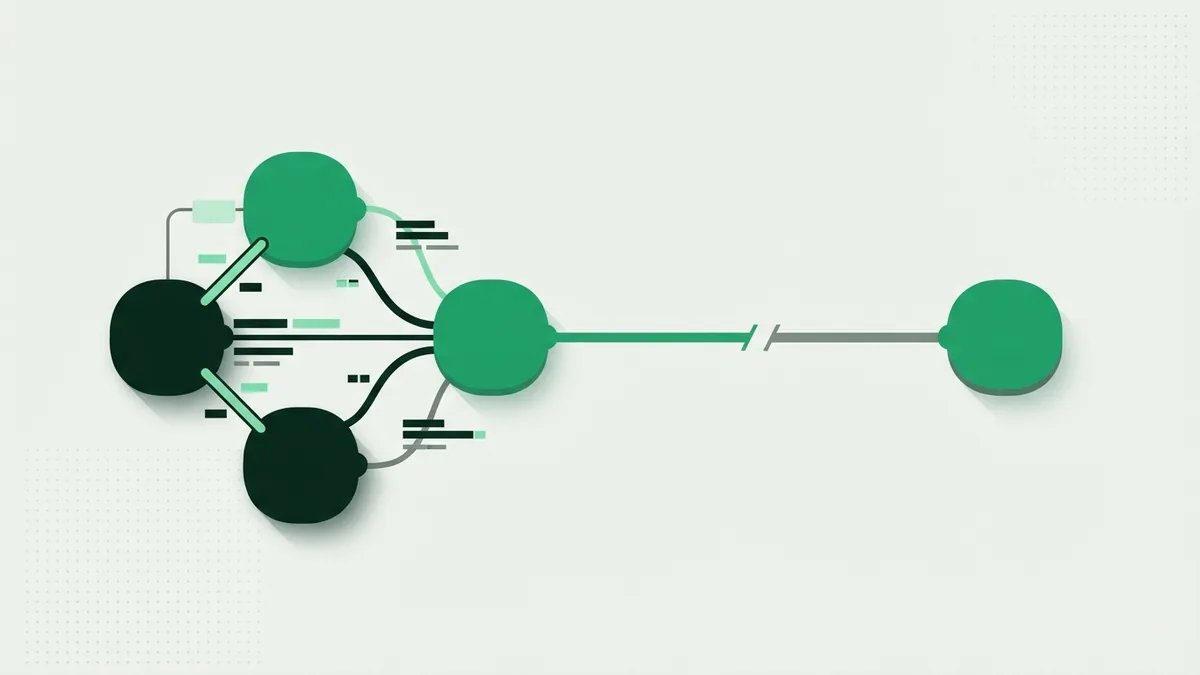
A bank may decline a payment after its risk checks flag the attempt. The bank sees account data and spending patterns that a shop cannot see. Its decision can block a real customer, even when the purchase is valid.
Payment providers also use fraud prevention rules. They may review unusual order size, repeated attempts, or a mismatch between billing and delivery details. A strict rule can reduce fraud but may also reject good orders.
Some online payments ask the customer to verify their identity through 3D Secure authentication. This adds a step, such as a bank app approval. If the customer closes the step or cannot complete it, the payment may fail.
Keep risk rules focused on clear signs of abuse. Review false declines along with fraud losses. If many trusted customers fail at the same step, adjust the rule or ask your provider to review its settings.
Money Problems Behind a Decline
Insufficient funds and exceeded credit limits are common financial causes of payment failure. A customer may have enough money for the order but still hit a daily card limit. Pending purchases can also reduce the amount available.
Recurring payments can fail when a card expires or its number changes. A bank may replace a card after it is lost or stolen. The customer then needs to update their saved payment method.
Currency rules can matter as well. A bank may block foreign purchases, or a card may not allow a certain type of charge. The customer’s bank can explain these account limits more clearly than the merchant can.
For a bank failed transaction, the business often receives only a broad decline reason. Share the time, amount, and payment method with the customer. Then ask them to contact the bank or try a different way to pay.
How to Recover a Failed Payment
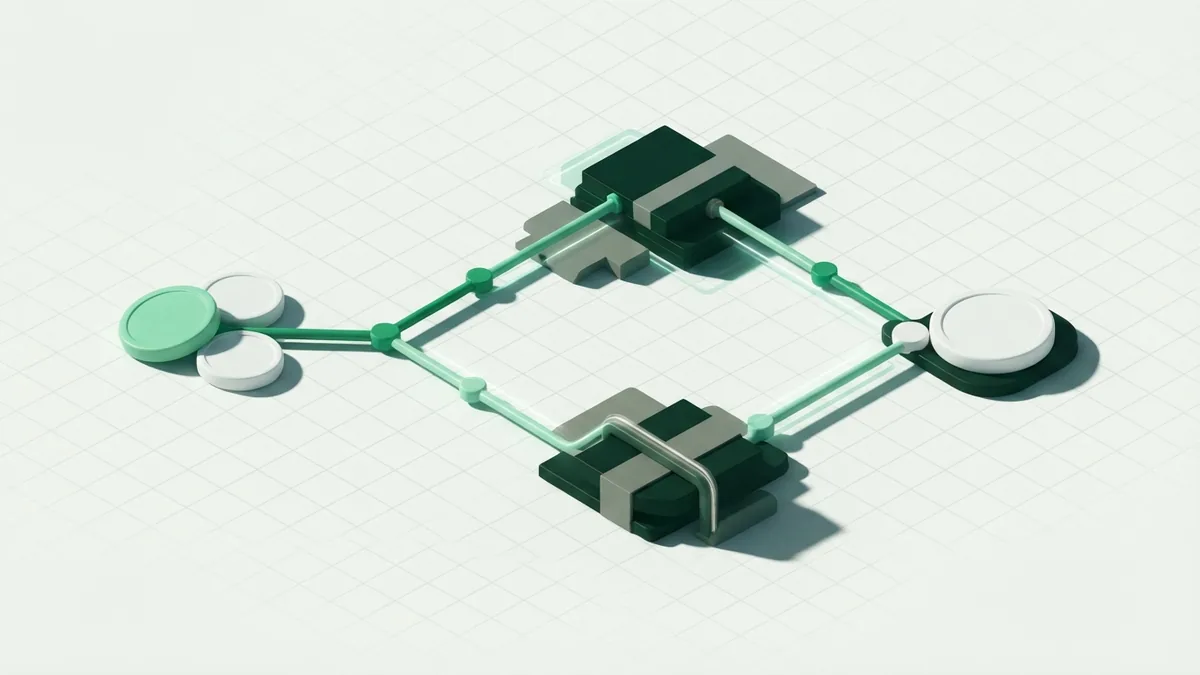
Good recovery starts with a clear message. Tell the customer that the payment did not go through, and state what they can do next. Do not imply that an order is paid until your payment record confirms it.
Use smart retry logic for payments that may work later. For example, retry a temporary network error after a short wait. Do not retry a clear decline for low funds every few minutes. That can annoy the customer and may trigger more bank checks.
For recurring payments, send a notice with a secure link to update the payment method. Give the customer time to act before pausing a service. For a one-time order, let them choose another card or a different payment option.
- Check the status: Confirm whether the bank approved, declined, or left the request pending.
- Share a useful message: Explain the issue in plain terms without exposing sensitive data.
- Offer a next step: Ask the customer to check details, contact their bank, or use another method.
- Retry with care: Retry only when the failure type and timing make another attempt sensible.
- Track the result: Record whether the payment later passed, failed again, or needed support.
Real-time notifications help customers act while they are still ready to buy. Keep messages brief, and include a safe route back to checkout. Never include full card numbers or security codes in a notice.
Ways to Prevent Future Payment Failures
A user-friendly payment flow prevents avoidable mistakes. Make required fields clear, check details as customers enter them, and explain errors near the field that needs attention. Keep checkout steps short, especially on mobile devices.
Offer more than one payment option, such as cards and a trusted digital wallet. A second option gives customers a path forward when their bank blocks the first method. Make sure each option works in the regions you serve.
Test payment changes before release, and watch provider status during outages. Review failed payment data each week. Group failures by cause, payment method, region, and device so you can spot repeat issues.
Set alerts for sudden increases in declines or gateway errors. Check those alerts against support reports and provider logs. A short review can reveal a bad setting before it affects more customers.
- Keep gateway settings and security keys current.
- Show specific, safe error messages instead of a generic failure notice.
- Use retries only for errors that may clear on their own.
- Review declines and false fraud flags on a steady schedule.
- Give customers several secure ways to complete payment.
Payment failures cannot be removed entirely. A clear checkout, careful retry rules, and fast customer notices can reduce lost sales. They also make it easier to find and fix the cause when a payment does fail.
Frequently asked questions
- What does a failed transaction mean?
- It means a payment attempt did not complete as intended. It may have been declined, interrupted, or left pending.
- What is the most common reason for a failed transaction?
- Low funds and card limits are frequent causes. Wrong details, expired cards, bank risk checks, and technical faults can also cause failure.
- Can a failed transaction still take money from my account?
- A failed attempt may create a temporary bank hold, but that is not always a completed charge. Check with your bank if the hold remains.
- What should I do after a bank declines a payment?
- Check the payment details and try another method if you have one. If the bank keeps declining it, contact the bank for the reason.
- How can a business reduce failed transactions?
- Use a simple checkout, offer several payment methods, and monitor decline patterns. Send clear notices and retry only when the failure may be temporary.
Related reading

What Is Flutterwave? How Its Payment Tools Work
Learn how Flutterwave helps businesses take and manage digital payments.
What Is Credit Card 3D Secure?
See how 3D Secure verifies cardholders and can protect online payments.
What Is a Payment Flow? How Card Payments Move
See how card payments move from checkout to approval, and what makes a flow work well.