What Is Verified by Visa, and Is It Safe?
See how Verified by Visa protects online payments and what setup involves.
What verified payments mean online
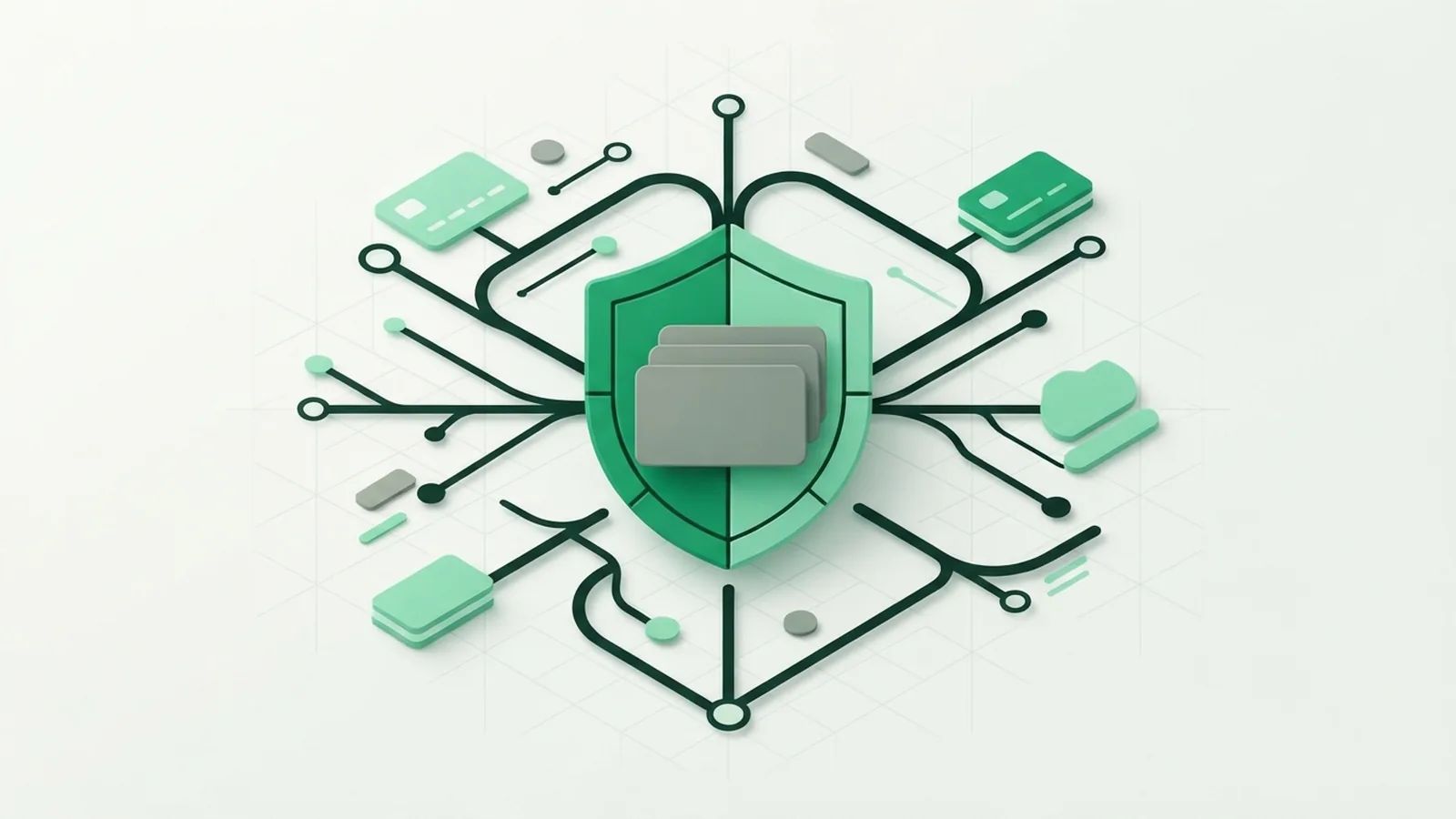
Verified payments use extra checks before an online payment gets approved. These checks help confirm that the buyer is the real account holder. They can include a One-Time Password (OTP), a bank app approval, or device checks.
This matters because online payments do not need a physical card or cash. A stolen card number may be enough for a fraud attempt. Verified payments add a second layer between a payment request and approval.
The process does not make every payment risk-free. It does make many stolen-card attacks harder. Banks can also review device, location, and spending signals before they approve a payment.
- The buyer proves control of the payment account
- The bank checks the payment for signs of fraud
- The merchant receives an approval or decline result
- The buyer avoids sharing the full card details with the merchant again
What is Verified by Visa today?
Verified by Visa was Visa’s name for a service that checked online card payments. Visa now presents the service as Visa Secure. It uses the EMV 3-D Secure standard to help issuers, merchants, and buyers share risk data.
In simple terms, Visa Secure helps a card issuer decide whether an online payment looks genuine. The issuer may approve the payment without extra action. It may also ask the buyer for a further check.
That name change explains why many people still ask about Verified by Visa. Older bank pages and checkout screens may use the old name. The service itself remains part of Visa’s online payment security tools.
Visa describes the service through its Visa Secure information. The exact steps can vary by bank, card type, country, and merchant.
How does Verified by Visa work?
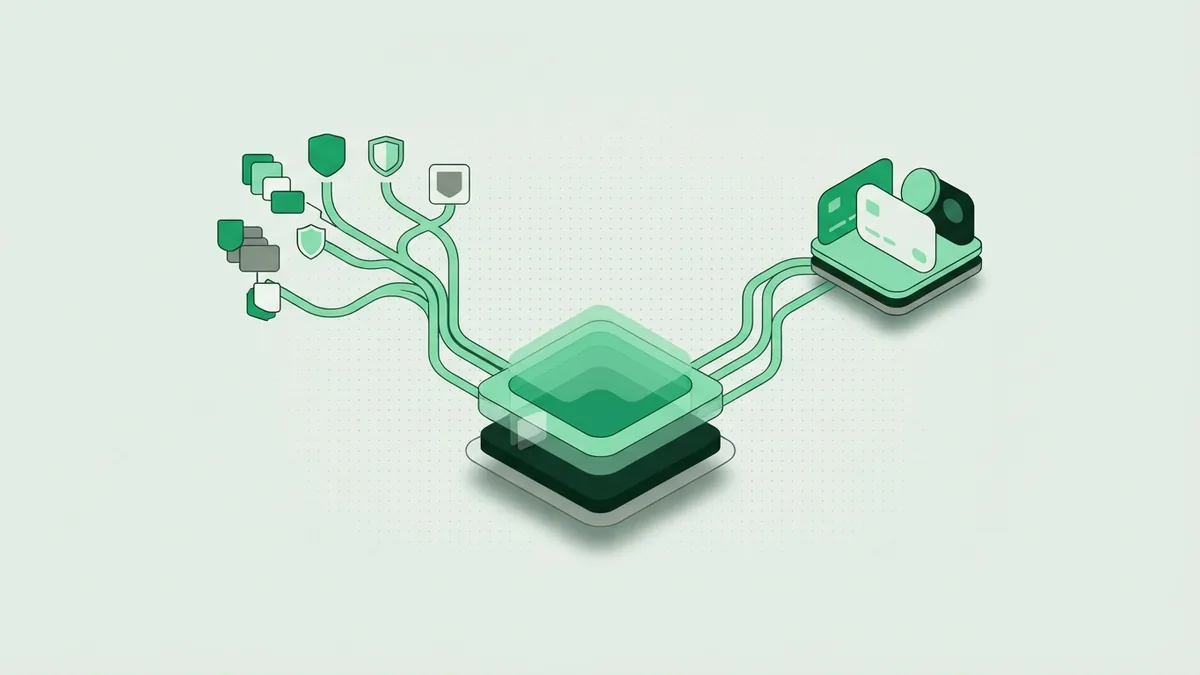
First, you enter your card details at a participating online shop. The shop sends the payment request through its payment provider. The card issuer then checks the request in the background.
The issuer can review the device, account history, amount, and shop details. It may also check how the purchase fits your usual spending pattern. This is the fraud detection stage.
Low-risk payments may finish without a visible prompt. A higher-risk payment may open a bank check. The bank might ask for an OTP sent by text or shown in its app.
- Start payment at a participating online shop.
- The shop sends payment data to the card issuer.
- The issuer checks the payment and risk signals.
- Complete the OTP or bank app check if asked.
- The issuer sends an approval or decline to the shop.
Never share an OTP with a caller, seller, or message sender. Enter it only in the trusted bank or checkout step that requested it. A bank employee should not need your one-time code.
Is Verified by Visa safe and legit?
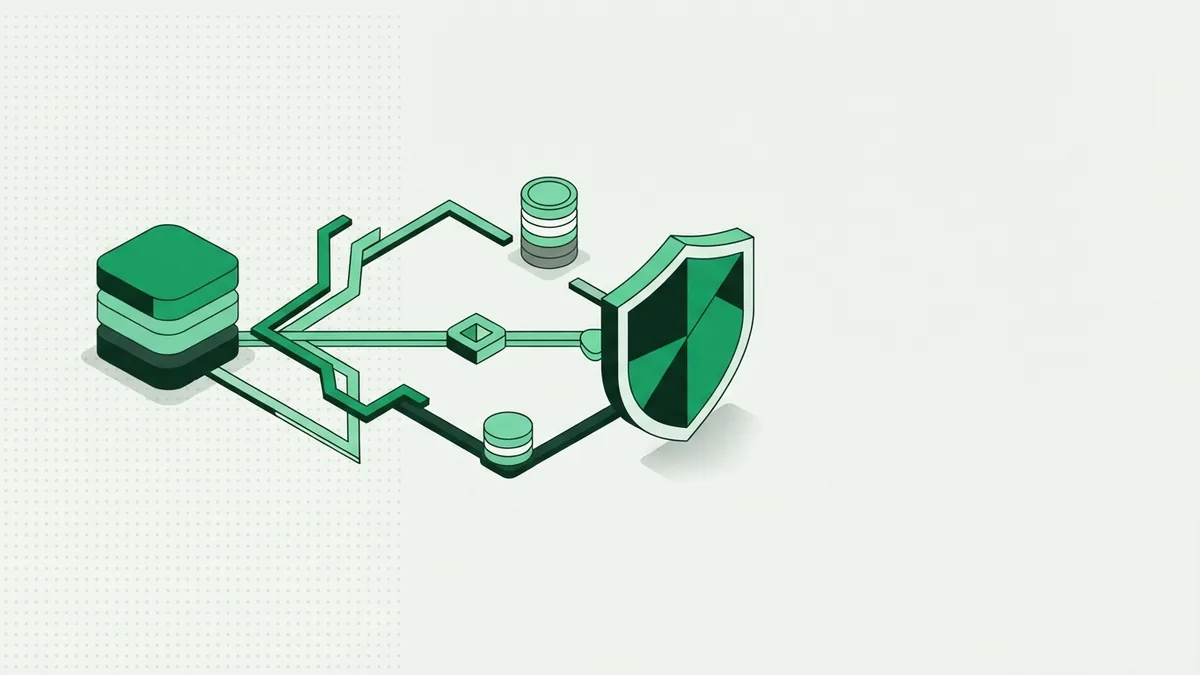
Yes, Verified by Visa is a real Visa security service. It is now commonly known as Visa Secure. It is not a separate card, bank, or payment wallet.
Its main safety value comes from risk checks and extra buyer approval. A thief with card details may still fail the bank check. The bank can block or review a payment that seems unusual.
No payment check can stop every scam. A criminal may try to trick you into giving away an OTP. Fake bank pages can also copy the look of a real sign-in page.
- Check the web address before entering a bank code
- Do not approve a payment you did not start
- Use your bank app instead of links in surprise messages
- Call the number on your card if a payment looks wrong
- Turn on bank alerts for new payment activity
The Federal Trade Commission’s phishing advice also warns against false messages that seek account details. These steps matter even when a payment uses Visa Secure.
How to get Verified by Visa as a cardholder
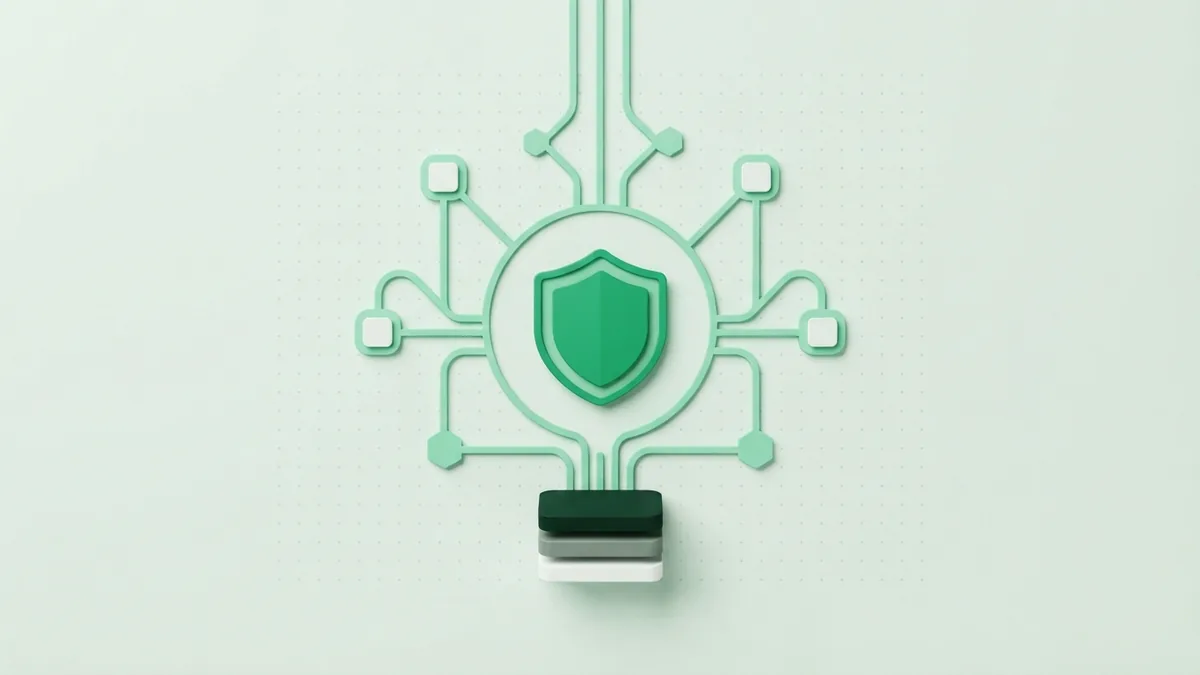
Most cardholders do not sign up for a separate Verified by Visa account. Your bank usually enrolls an eligible card in its Visa Secure service. You then use the bank’s saved phone number or app during a payment check.
To prepare, make sure your bank has your current phone number. Install the official bank app if your bank uses app approval. Keep your phone able to receive alerts while shopping.
- Ask your card issuer if your card supports Visa Secure.
- Update your phone number and email with the issuer.
- Install and sign in to the official banking app.
- Test a small purchase at a known online shop.
- Follow the bank check when it appears at checkout.
If the check fails, do not keep guessing codes. Contact the bank through its official app or the number on your card. The bank can check your details and explain any enrollment issue.
How merchants set up Verified by Visa
Merchants set up Visa Secure through a payment provider or acquiring bank. The provider connects the shop to the 3-D Secure service. The merchant does not need to build every bank check from scratch.
Start by asking your payment provider if Visa Secure is active for your account. Confirm which regions, currencies, and card types it supports. Then review how failed checks appear in your checkout.
- Choose a payment provider that supports Visa Secure
- Complete the provider’s business and risk checks
- Enable 3-D Secure in the payment settings
- Test approval, OTP, decline, and timeout paths
- Track failed payments and customer support cases
Good payment integration should keep the buyer informed. Show a clear status when a bank check is in progress. Do not ask buyers to send codes by email or chat.
Merchants should also plan for buyers who cannot receive an OTP. A provider may offer another bank approval route. The issuer still controls the final payment decision.
Why use verified payments?
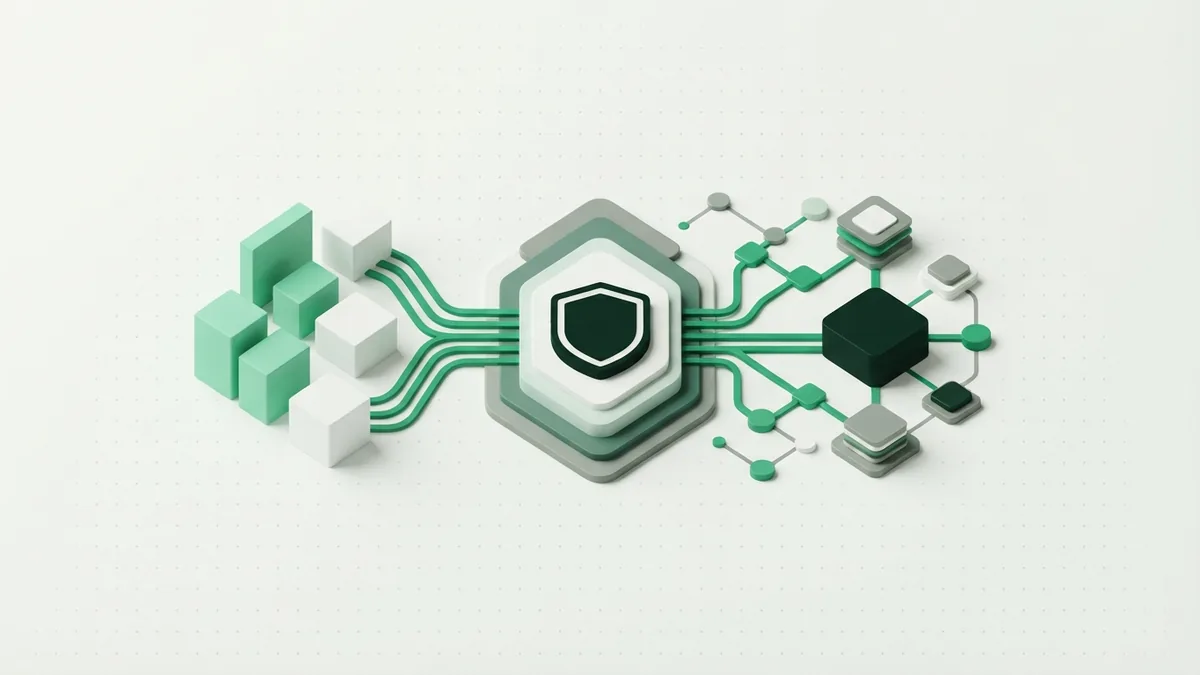
Verified payments can raise trust at checkout. Buyers see that their bank may check unusual payments. Merchants gain a stronger way to screen stolen card details.
The service can reduce some forms of card fraud and chargeback risk. It can also give the issuer more data for each payment decision. Results vary by bank, market, payment type, and customer behavior.
There can be trade-offs. A slow bank page may cause a buyer to abandon the payment. A lost phone can also make a valid purchase harder to approve.
| Benefit | What it means |
|---|---|
| More trust | Buyers see an extra bank check at payment time |
| Less stolen-card fraud | Card details alone may not complete the payment |
| Better risk checks | The issuer can review payment and device signals |
| Fewer payment disputes | Some unapproved payments may be stopped sooner |
Overall, Verified by Visa is legitimate and useful when used with safe habits. Keep your bank details private, check payment prompts, and contact the issuer when something feels wrong. Security works best when the bank, merchant, and buyer each play their part.
Frequently asked questions
- What is Verified by Visa?
- Verified by Visa was Visa’s name for online payment checks. It is now commonly known as Visa Secure.
- Is Verified by Visa safe?
- Yes, it is a legitimate Visa security service. It adds bank checks, but you must still guard your OTP and bank details.
- How does Verified by Visa work?
- Your bank checks payment and risk data during checkout. It may approve the payment at once or ask for an OTP or app approval.
- How do I get Verified by Visa?
- Your bank usually enrolls eligible cards automatically. Keep your phone details current and ask the issuer if you need help.
- Is Verified by Visa still used?
- Yes, the service is still used under the Visa Secure name. Older pages may still use the Verified by Visa name.
- How do merchants set up Verified by Visa?
- Merchants enable Visa Secure through a payment provider or acquiring bank. They should test approval, OTP, decline, and timeout paths.
Related reading
Why Do Payments Fail? Causes and Recovery
Find the cause of failed payments and recover more sales without harming trust.
How Do Credit Cards Work?
Understand credit cards, compare them with debit cards, and manage payments wisely.
How Is a Credit Card Different From a Debit Card?
See how each card works, what it costs, and when to use it.