Which Online Payment Gateway Is Best for Your Store?
Compare leading gateways by fees, features, security, and store fit.

What an online payment gateway does
The best online payment gateway for your store depends on how you sell, where customers live, and which payment methods they expect. Stripe, PayPal, Square, and Braintree are leading options, but none is best for every business. Compare their fees, store fit, security tools, and support for local payment methods before choosing.
A payment gateway securely sends payment details from your online store to the firms that approve and move the money. It links the checkout to a payment processor and, in many cases, a merchant account. The customer sees a result in seconds: approval, a request to try another method, or a decline.
The gateway is one part of payment processing, not the whole system. Some providers bundle the gateway, processing, and merchant account into one service. Others let you connect separate tools. A bundled setup can be easier to manage, while a modular setup may suit firms with custom needs.
That choice can shape the full checkout experience. A slow or confusing payment flow may lead customers to leave before paying. A smooth checkout with familiar options can support more completed orders and fewer payment questions.
How to choose the right gateway
Start with the way your business sells today. A small shop with one local market has different needs from a subscription firm selling across several countries. List your sales channels, expected order volume, average order value, and the payment methods your customers ask for.
Then check how each provider fits your store platform. Shopify, WooCommerce, and Magento support different payment tools and setup paths. A ready-made plugin can save time, while a custom build may need developer work and ongoing upkeep.
Look beyond the headline rate. Ask what the provider charges for refunds, disputes, currency conversion, and international cards. Check whether fees change by country or payment method. Your real cost depends on your order mix, not one advertised rate.
- Payment options: Check cards, digital wallets, bank payments, and local methods.
- Ease of setup: Confirm that your platform supports a tested plugin or direct connection.
- Security: Review fraud tools, data handling, and support for required payment rules.
- Business fit: Check recurring billing, in-person sales, currencies, and dispute tools.
- Support: Learn how to reach help when payments fail or funds are held.
Also test the checkout on a phone and with a low-cost test order. Look for extra steps, unclear error messages, and payment methods that vanish by region. These small checks can reveal problems before customers find them.
Four popular payment gateways compared
Stripe is known for online payments, developer tools, and support for many payment methods. It can suit a store that needs flexible checkout flows, subscriptions, or sales across markets. Its broad feature set may take more setup than a basic plug-in approach.
PayPal is familiar to many shoppers and can let customers pay through a PayPal account or by card. It may help stores that want a widely known checkout choice alongside other methods. Review the account terms and fees for your country before you rely on it as your only provider.
Square links online payments with in-person sales tools. That can help a shop, café, or service firm manage both channels in one system. Its online features and rates vary by country, so check local availability and platform support.
Braintree, part of PayPal, offers online card payments and digital wallet options. It can work for firms that need more control over their checkout or support for recurring payments. Compare its setup needs and terms with other services before choosing.
| Provider | Often suits | Check before choosing |
|---|---|---|
| Stripe | Online stores with custom needs | Setup effort and local rates |
| PayPal | Stores seeking a familiar option | Country terms and fee details |
| Square | Shops selling online and in person | Local tools and store links |
| Braintree | Firms needing flexible online payments | Build effort and account terms |
These are broad fits, not guarantees. A provider can suit one shop and fail another due to location, platform, or sales volume. Check current features on the provider’s own site before you sign up.
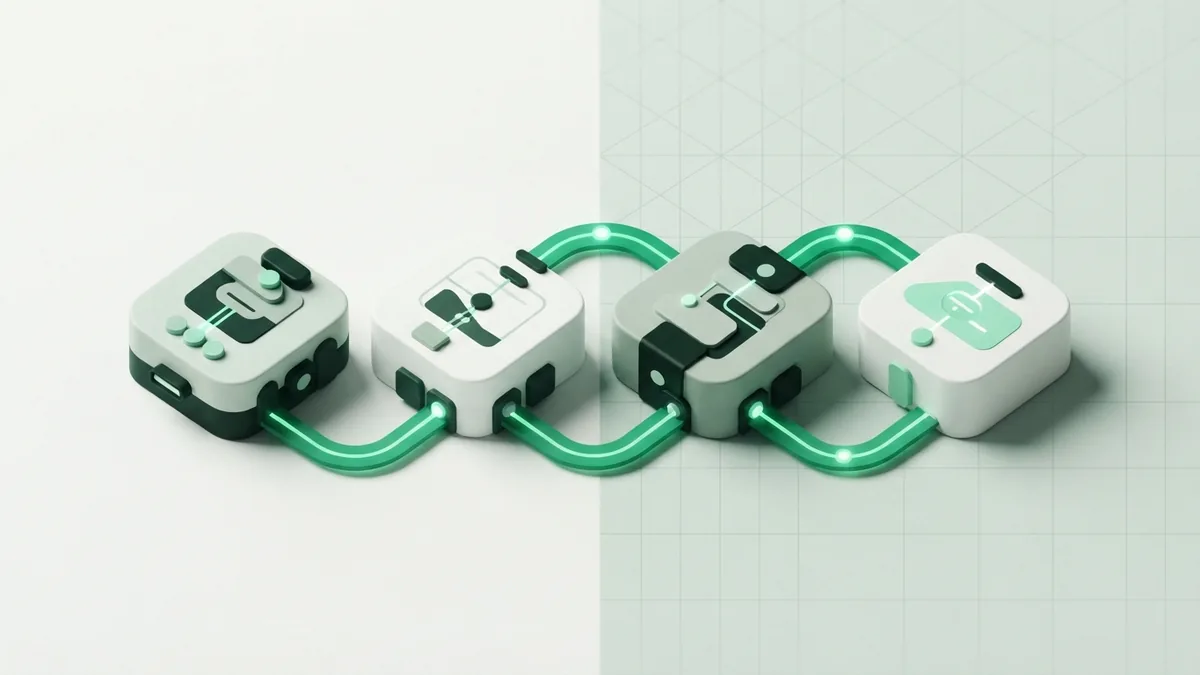
Compare fees and the full cost
Many providers charge a percentage plus a fixed amount for each successful payment. Others add monthly charges, setup costs, or extra fees for certain services. The amount and terms vary by provider, country, card type, and payment method.
For example, a rate of 2.9% plus 30 cents on a $50 order would cost $1.75. That example only shows the math. It does not describe a rate offered by every provider, and extra fees may apply.
Use your own orders to estimate the monthly cost. Add each payment fee, any monthly charge, likely refunds, and currency conversion costs. If you sell across borders, compare the cost of taking a foreign card with the cost of receiving funds in another currency.
Read the rules for refunds and disputes as well. A refund may not return the original processing fee. A chargeback can also bring a fee and staff time. Ask the provider how it handles evidence, deadlines, and funds while a dispute is open.
For current pricing, compare the details on Stripe’s pricing page with written quotes from other providers. Treat any sample total as an estimate until you confirm your own plan and country rates.

Security features and payment rules
Security needs to be part of the choice, not an afterthought. PCI DSS is a set of rules for firms that store, handle, or send card data. The Payment Card Industry Security Standards Council publishes the standard and guidance for businesses.
Many gateways use tokenization, which replaces card details with a code for later use. This can reduce the amount of sensitive data your store handles. It does not remove every duty to protect your systems or meet payment rules.
Ask how the provider spots unusual payments and helps prevent fraud. Useful tools may include risk checks, spending limits, and ways to review flagged orders. Strong checks can cut fraud, but overly strict rules may block real customers.
3D Secure adds an extra check during some card payments. The customer may need to confirm a purchase with their bank. This can help reduce some fraud risks, but the added step may affect checkout flow. Ask how the provider applies it in each market.
For the standard itself, review the PCI DSS overview from the PCI Security Standards Council. Ask your provider which tasks it covers and what remains your responsibility. Keep access limited, update store tools, and avoid keeping card data on your own servers.

Plan the store integration
Start by checking the payment options built into your platform. Shopify often offers supported payment choices in its admin tools. WooCommerce has gateway extensions, while Magento setups may use built-in options or third-party modules. Availability can differ by region and plan.
Before installing a tool, check its upkeep date, support terms, and fit with your theme. Read the steps for test mode and live mode. Ask who will handle updates if the store uses custom code or an older platform version.
- List your needs. Note your platform, sales regions, payment types, and monthly order count.
- Shortlist providers. Compare local availability, total cost, security tools, and support.
- Test the setup. Use test mode to check approved payments, declines, refunds, and mobile checkout.
- Review the live flow. Make a small real payment, then check settlement and order records.
- Track results. Watch failed payments, disputes, checkout completion, and support requests.
Integration can bring costs beyond the provider’s fee. A plug-in may have a yearly charge, while custom work needs developer time. Budget for updates and testing, too. A payment tool that works today still needs care as your store changes.

Make the choice that fits your business
There is no single best online payment system for every seller. Stripe may fit a store that needs flexible online tools. PayPal can add a familiar way to pay. Square can serve firms that sell in person and online. Braintree may suit businesses with more specific checkout needs.
Choose two or three providers that serve your country and platform. Compare their full costs using your order data, then test their checkout on mobile and desktop. Ask each provider about payout timing, dispute help, and what happens when a payment is flagged.
Start with the simplest option that meets your needs, then review it after launch. Track completed checkouts, failed payments, refunds, and customer questions. If shoppers often ask for another payment method, or many payments fail, revisit your setup.
The best online payment provider is the one customers can use with ease and your team can run with confidence. Good payment processing should fit the store, protect payment data, and make costs clear. Those factors matter more than a long feature list.
Frequently asked questions
- Which online payment gateway is best for a small business?
- It depends on your store platform, location, and sales channels. Compare Stripe, PayPal, Square, and Braintree by total cost and ease of setup.
- What fees do online payment gateways charge?
- Many charge a percentage and a fixed fee per payment. Some also charge monthly, setup, dispute, refund, or currency conversion fees.
- Can I use more than one payment gateway?
- Yes, many stores offer more than one provider or payment method. Check how each choice affects checkout, reporting, and support.
- Do I need PCI DSS if I use a payment gateway?
- Using a gateway does not always remove your security duties. Ask the provider which tasks it covers and confirm your store's own requirements.
- How do I add a payment gateway to Shopify or WooCommerce?
- Check the platform's supported payment options or extension list first. Install the provider's approved tool, test payments, and review the live checkout before launch.
Related reading

What Is Flutterwave? How Its Payment Tools Work
Learn how Flutterwave helps businesses take and manage digital payments.

What Is Credit Card 3D Secure?
See how 3D Secure verifies cardholders and can protect online payments.

What Is a Payment Flow? How Card Payments Move
See how card payments move from checkout to approval, and what makes a flow work well.